This article will help you manage questions in your form by showing how to add and delete questions, and where to go next for common actions like customizing, duplicating, discarding edits, or publishing.
Adding questions
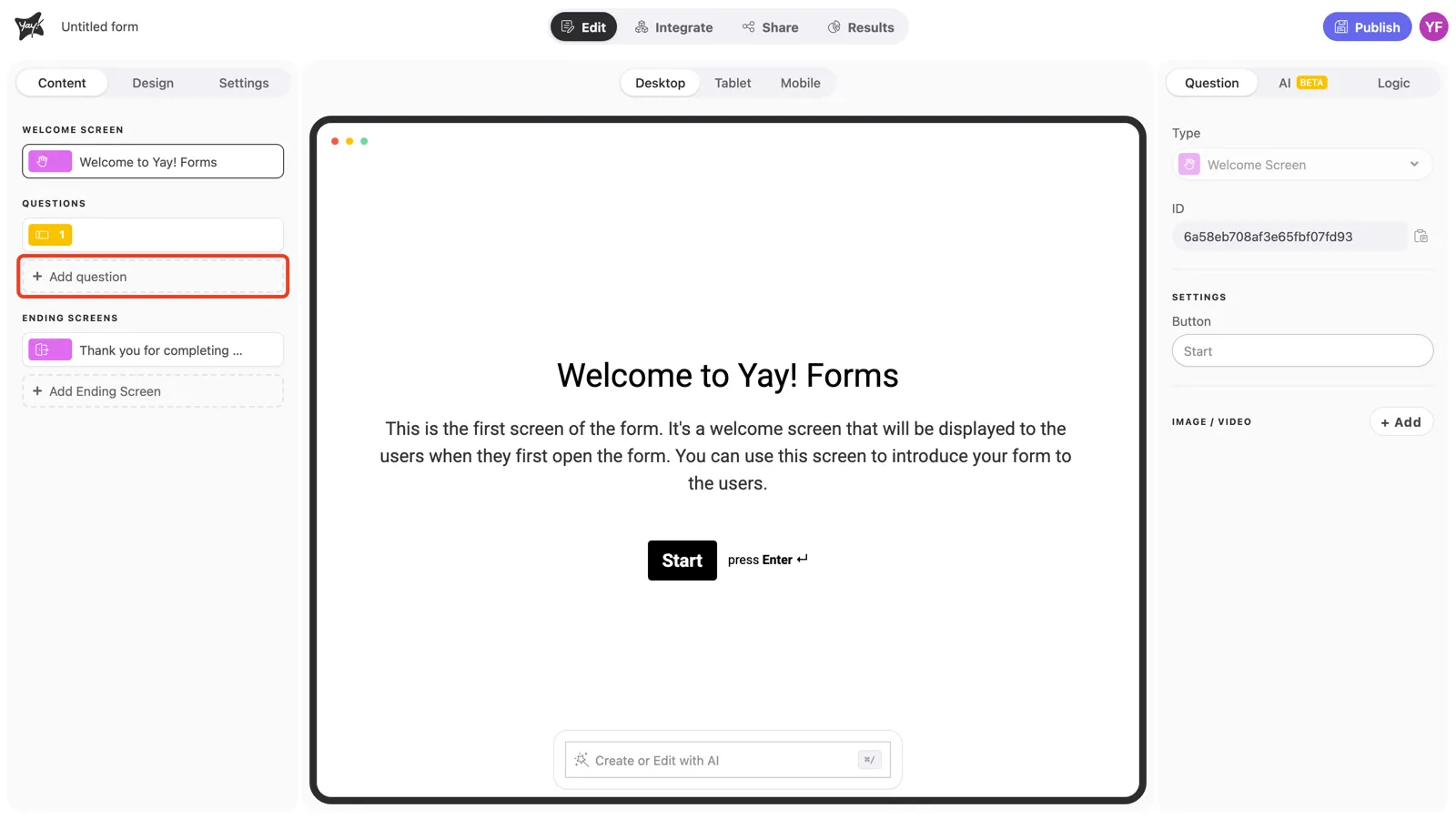
To add questions, click the Add question option in the left sidebar.
Deleting questions
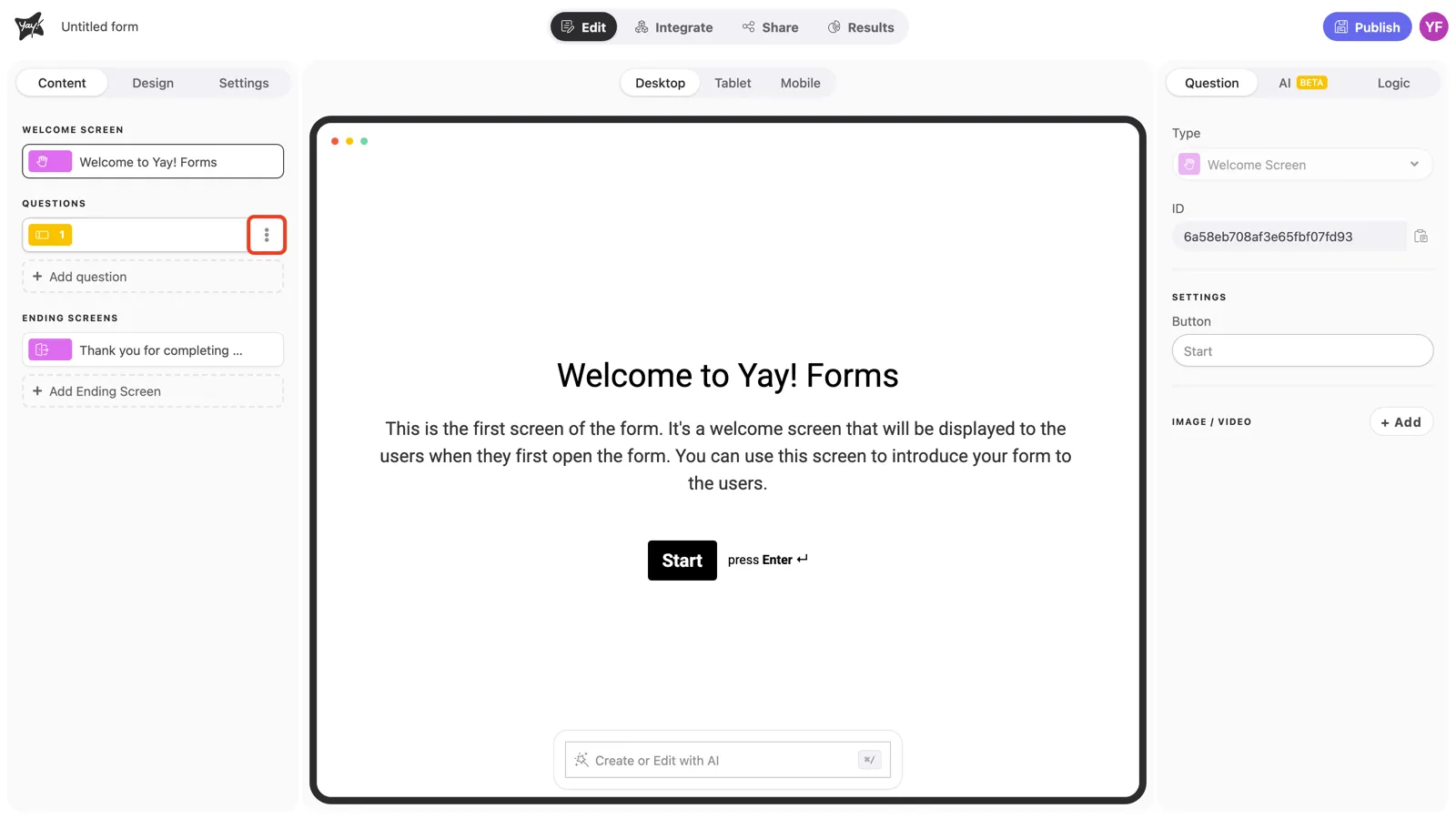
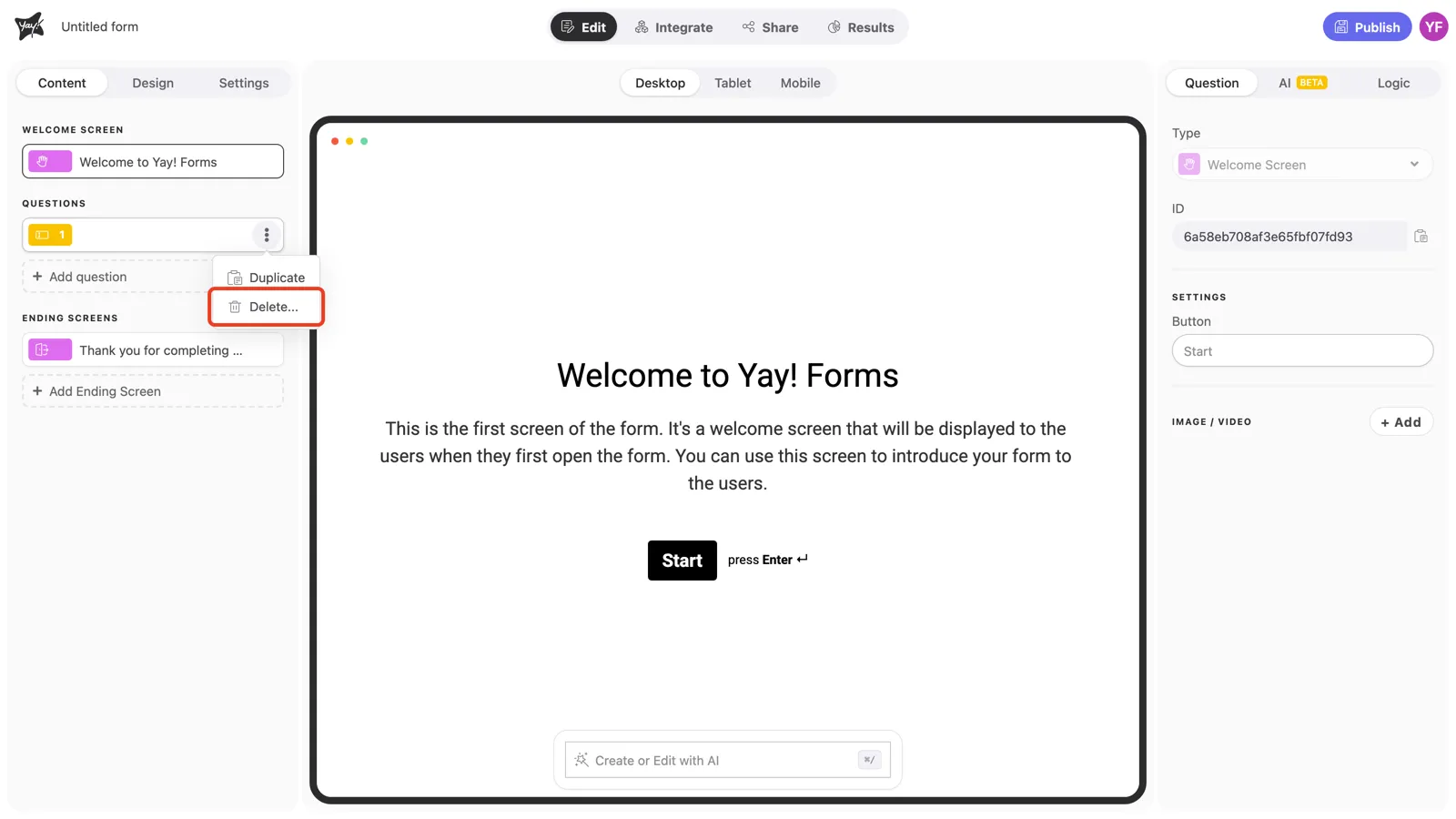
To delete a question, click the three dots on the right side of your question and click Delete.
Next actions
Now you can customize your question, duplicate your question, discard edits or publish your form.
Conclusion
You learned where to add a new question, how to delete an existing question, and which related resources to use for customizing and managing your form.