Net Promoter Score® is the classic loyalty metric: respondents rate, from 0 to 10, how likely they are to recommend you. Scores 9–10 are promoters, 7–8 are passives, 0–6 are detractors. The score is promoters minus detractors. Yay! Forms has a dedicated NPS question type with the scale ready to go.
Add an NPS question
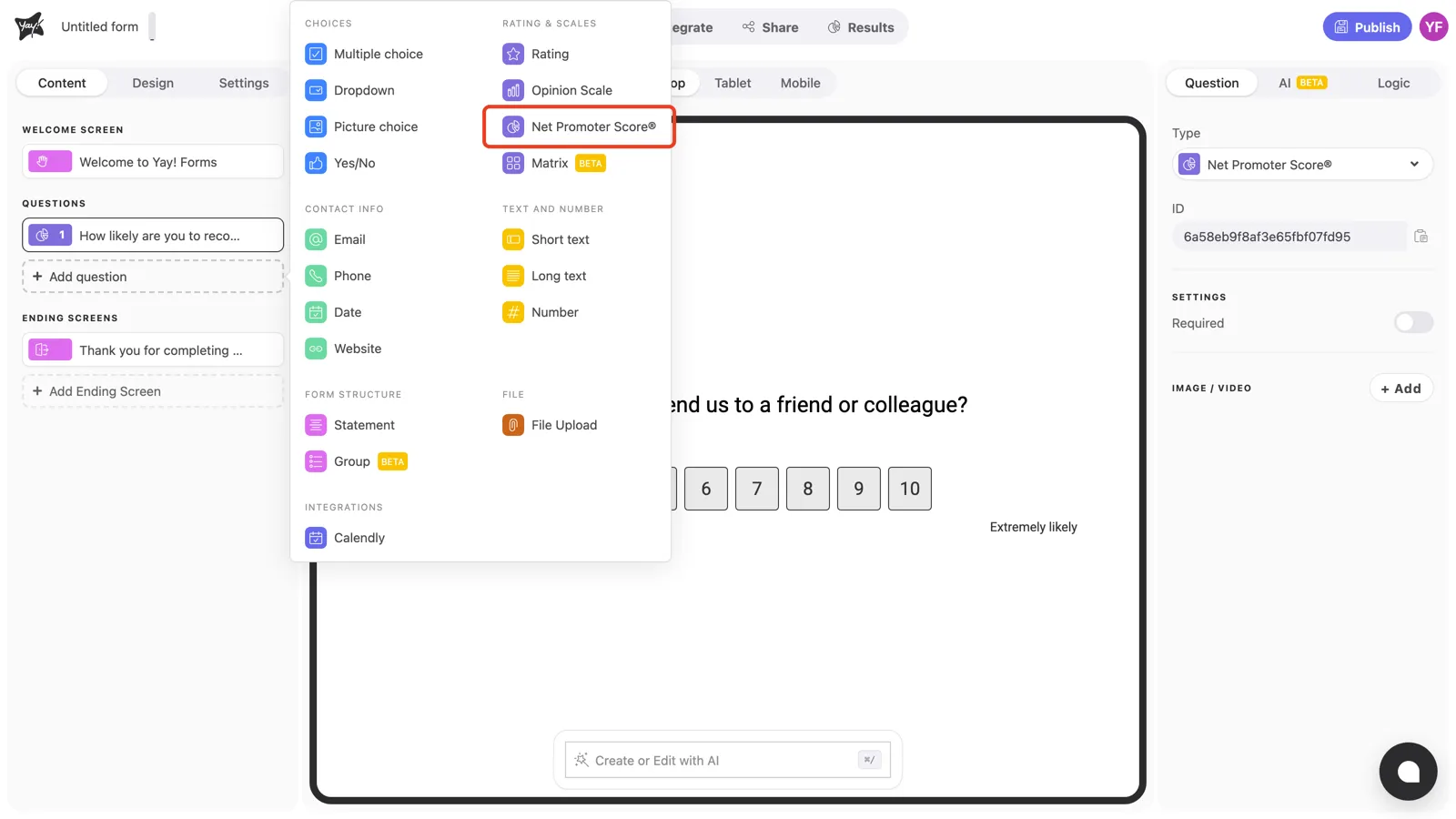
Click + Add question in the left sidebar and pick Net Promoter Score® under Rating & scales.
Adjust the question text
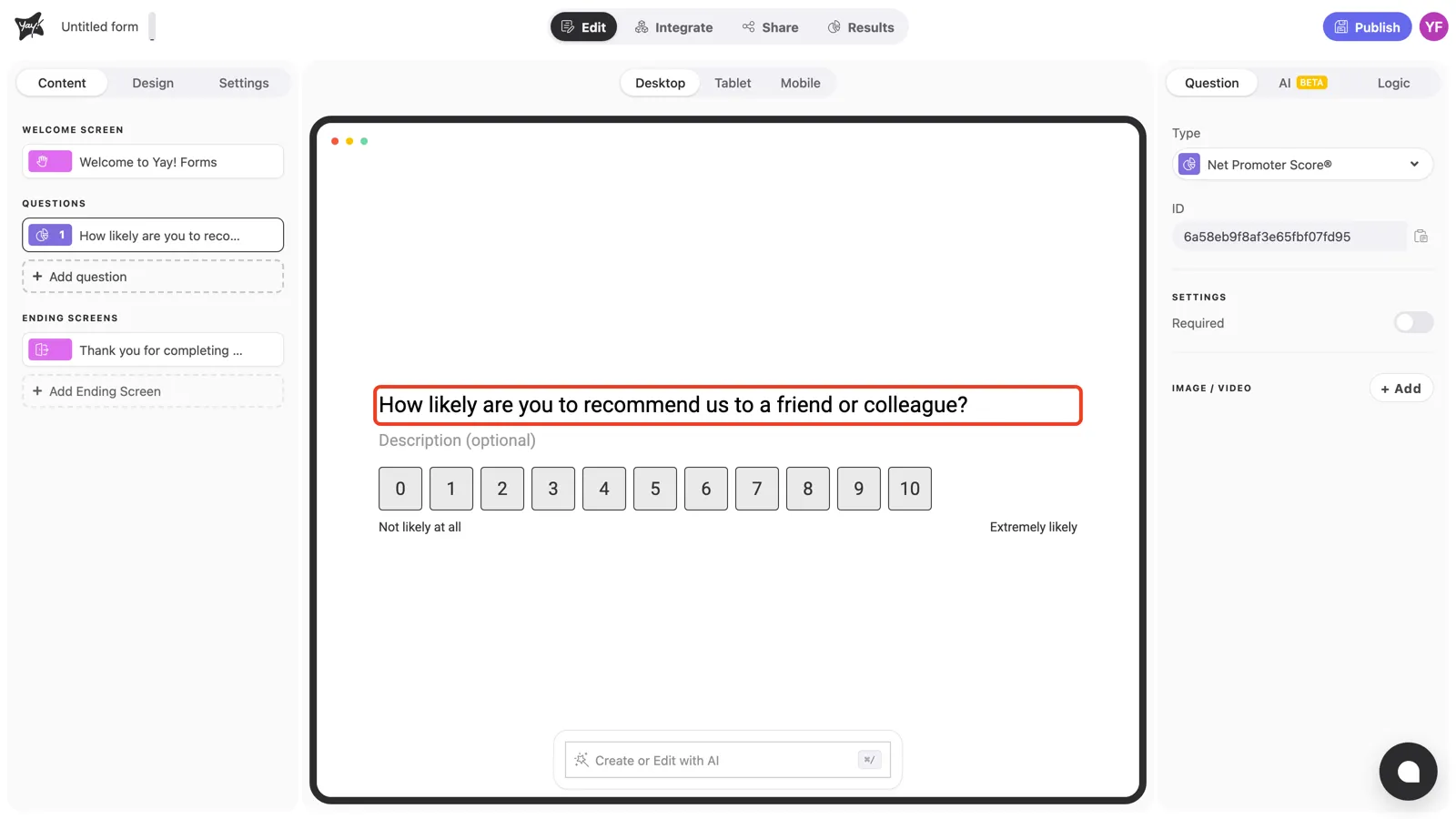
The NPS question arrives ready: the standard “How likely are you to recommend us to a friend or colleague?” wording and a 0–10 scale labeled from “Not likely at all” to “Extremely likely”. Keep the proven wording, or click the title to adapt it, for example to name your product.
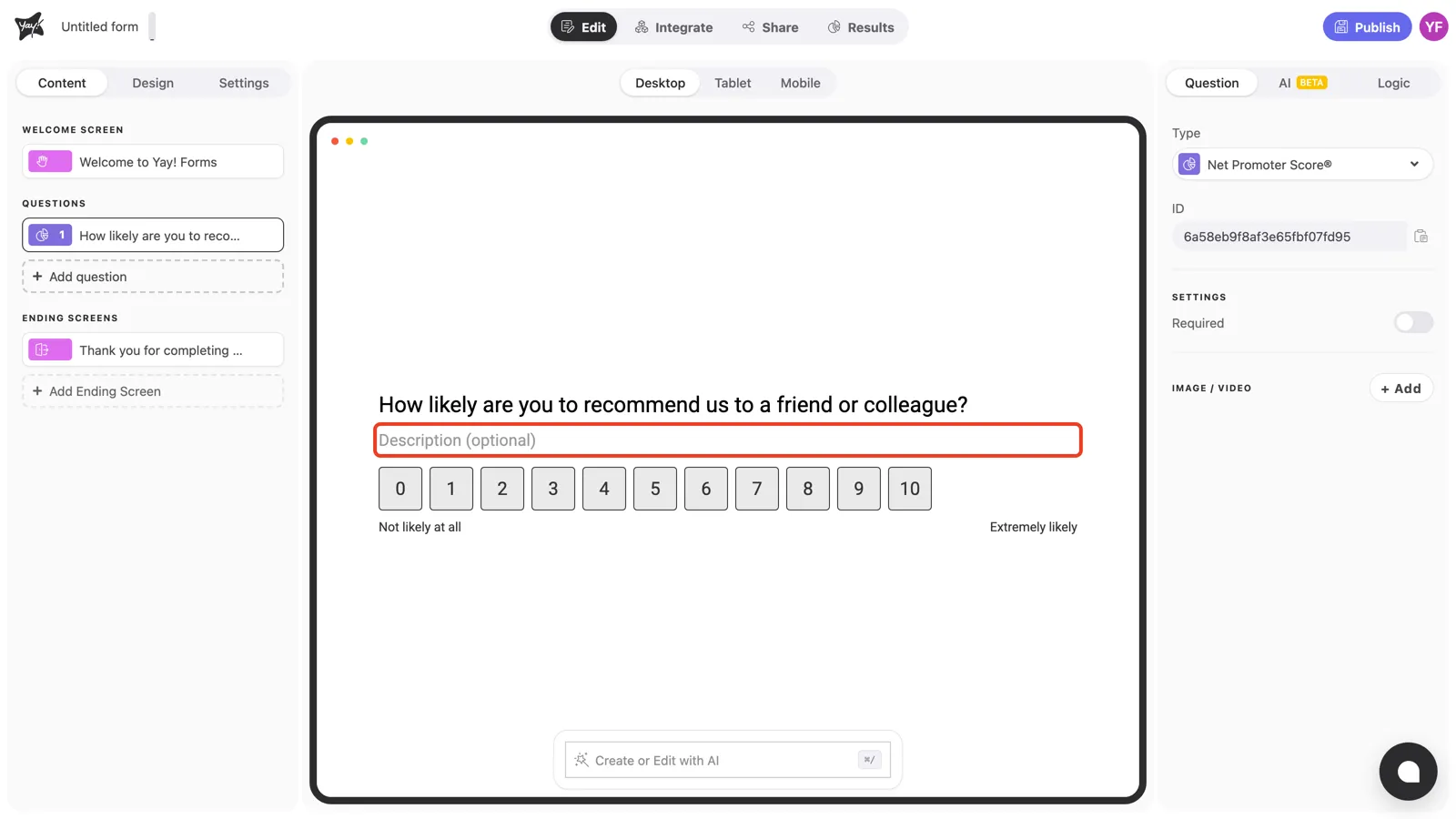
Use the optional description for context, for example to clarify which experience you’re asking about.
Question settings
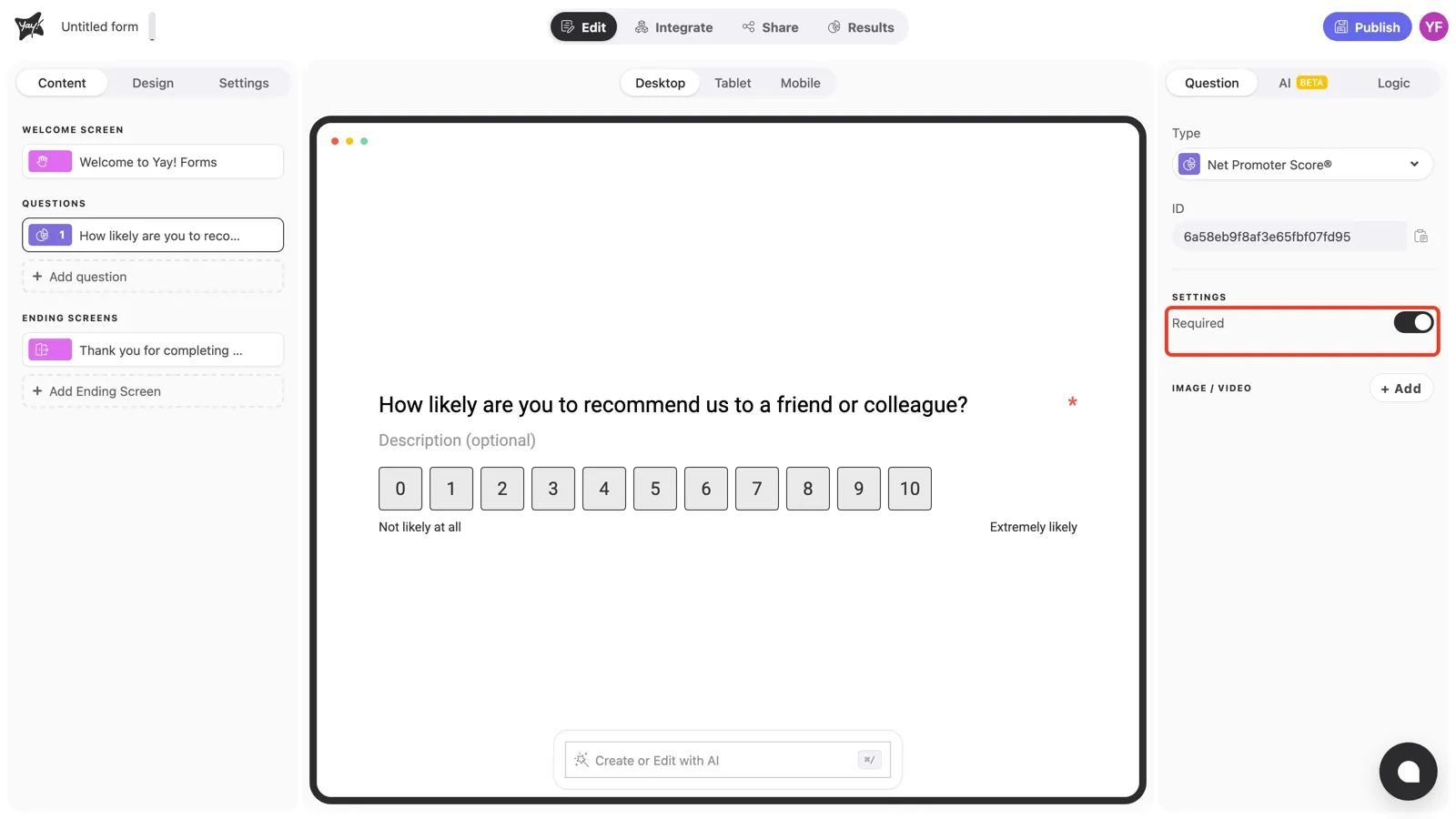
Turn on Required in the right panel to make sure every respondent answers. For a metric like NPS, partial data skews the score.
Conclusion
You’ve learned how to add an NPS question with its ready-made 0–10 scale, adjust the wording, and require an answer.
Related articles: