Deleting a workspace also deletes every form inside it, so this action cannot be undone. This article shows where to find the option and how to confirm.
Open the workspace options
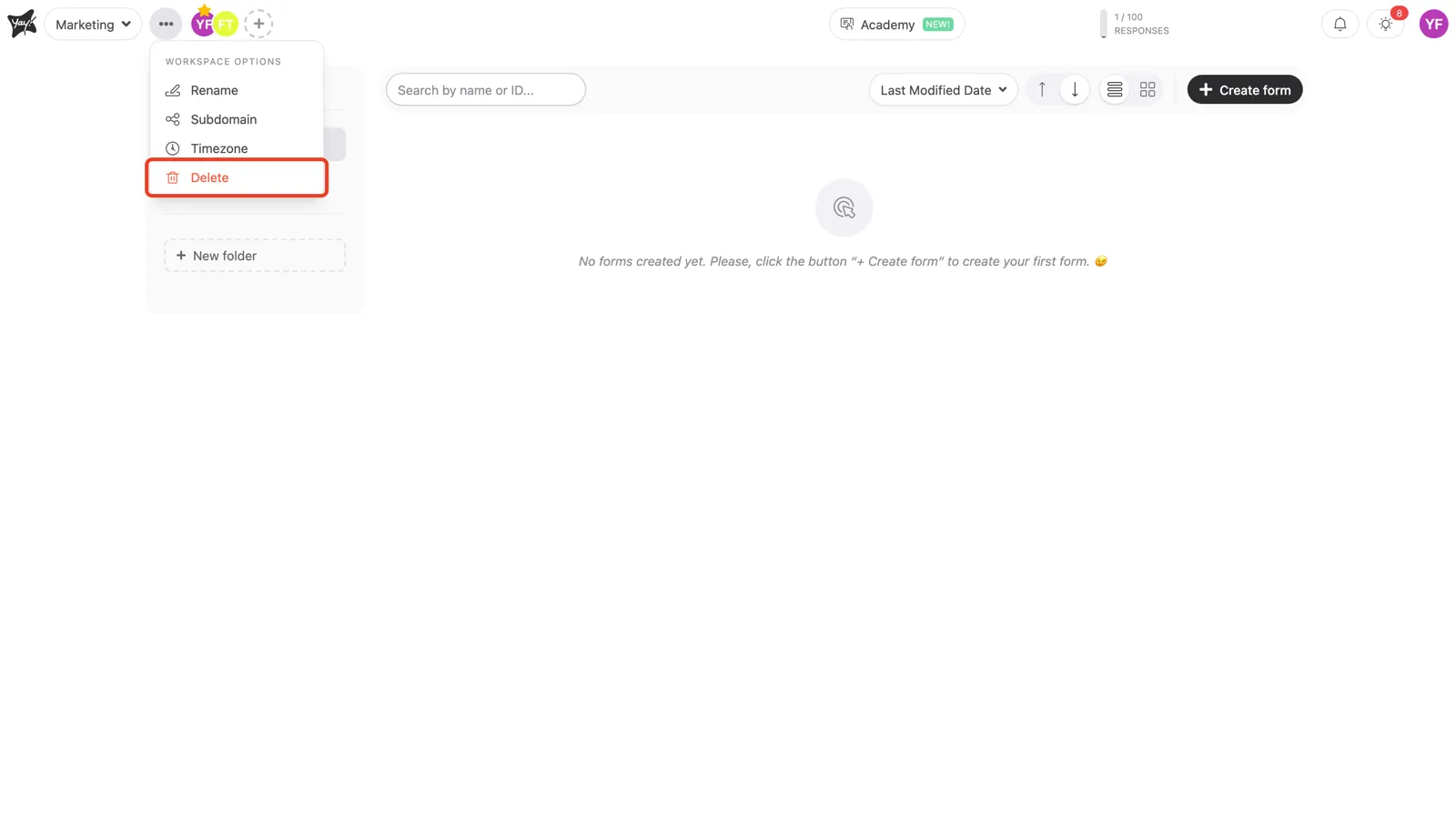
Click the three dots (•••) next to your workspace name at the top left, then select Delete.
Confirm the deletion
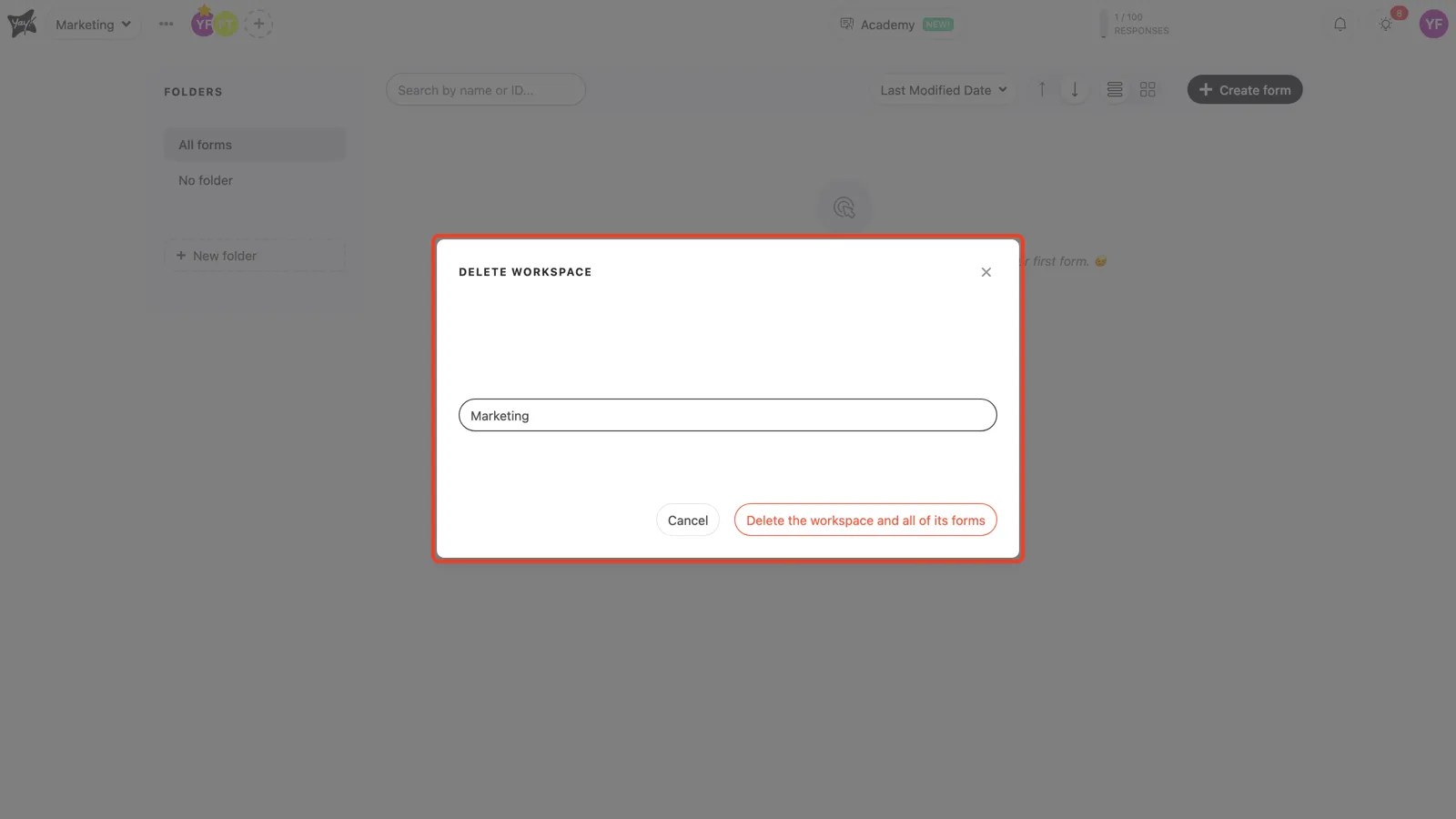
In the Delete workspace window, type the workspace name to confirm, then click Delete the workspace and all of its forms.
Conclusion
You opened the workspace options menu, chose Delete, and confirmed by typing the workspace name, which also removes the forms inside it.
Related articles: