The Phone question type collects phone numbers with a built-in country code selector. Respondents pick their country flag and type the number in the local format. That gives you consistent, actionable numbers for WhatsApp follow-ups, sales calls, and SMS.
In this article you’ll learn how to add a Phone question, edit its text, and configure its settings.
Add a Phone question
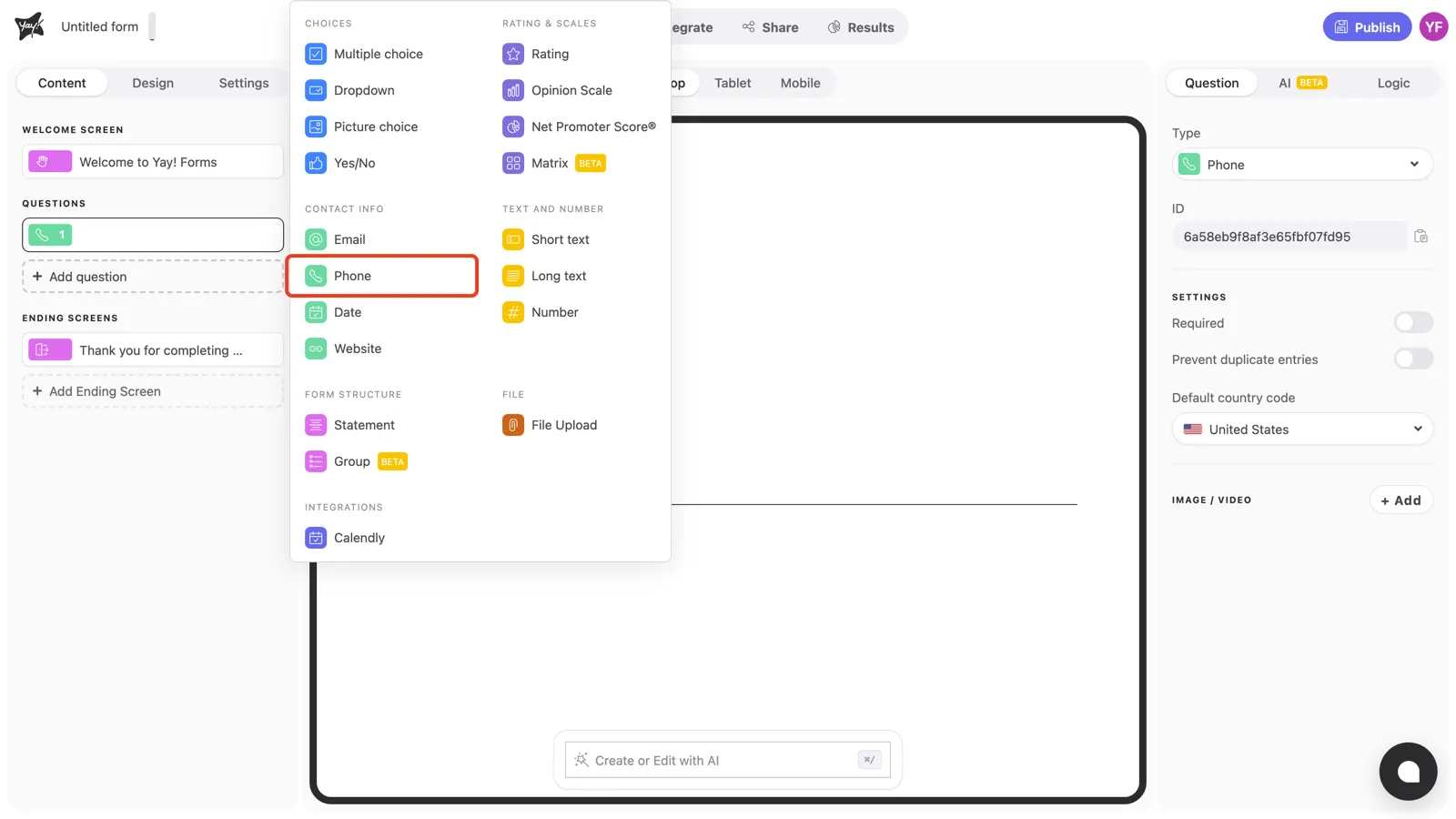
Click + Add question in the left sidebar and pick Phone under Contact info.
Write the question and description
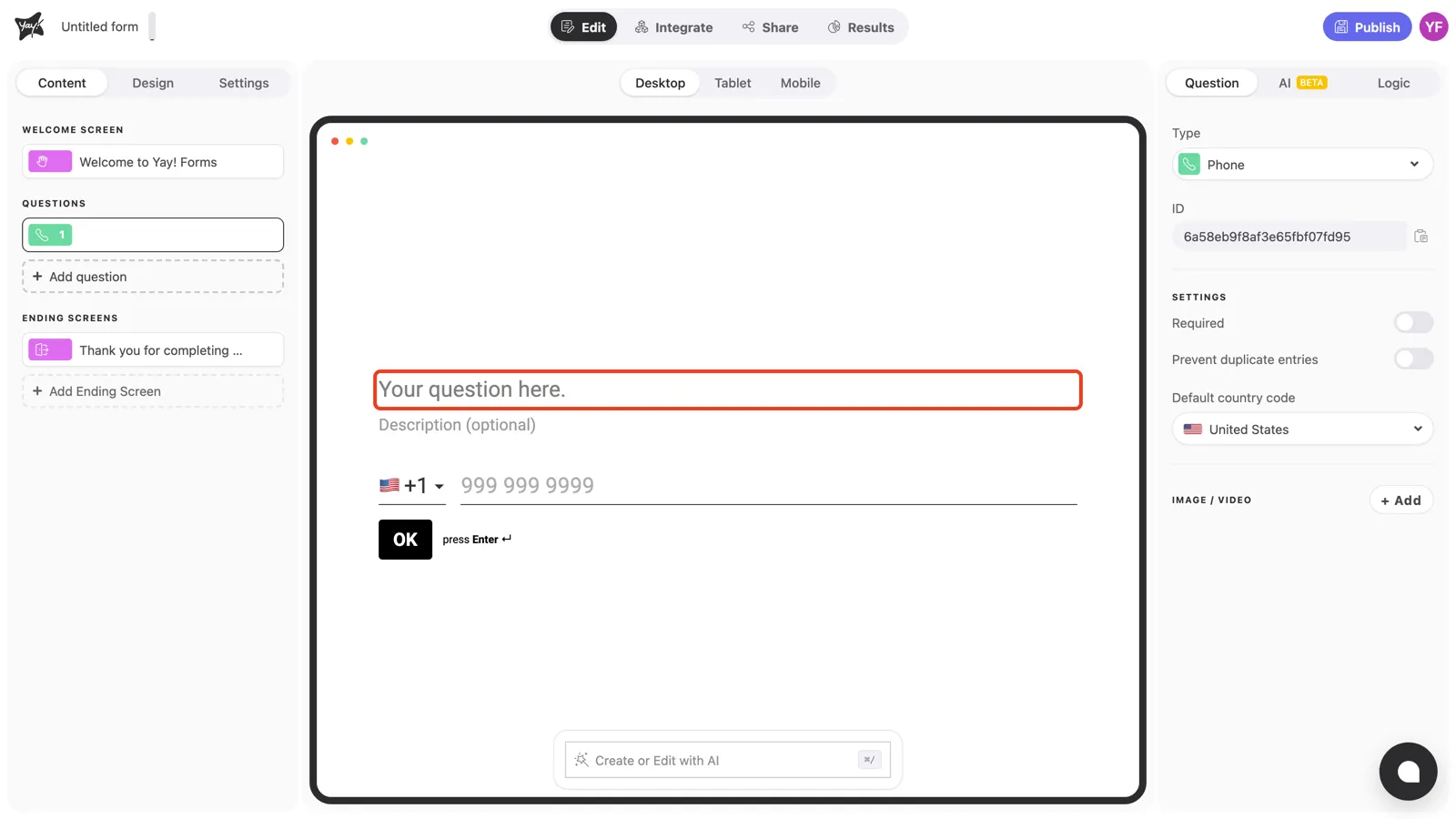
Click “Your question here.” in the canvas and type your question, for example “What’s your WhatsApp number?”. Note the answer box below: it already shows the country flag selector and a local-format hint.
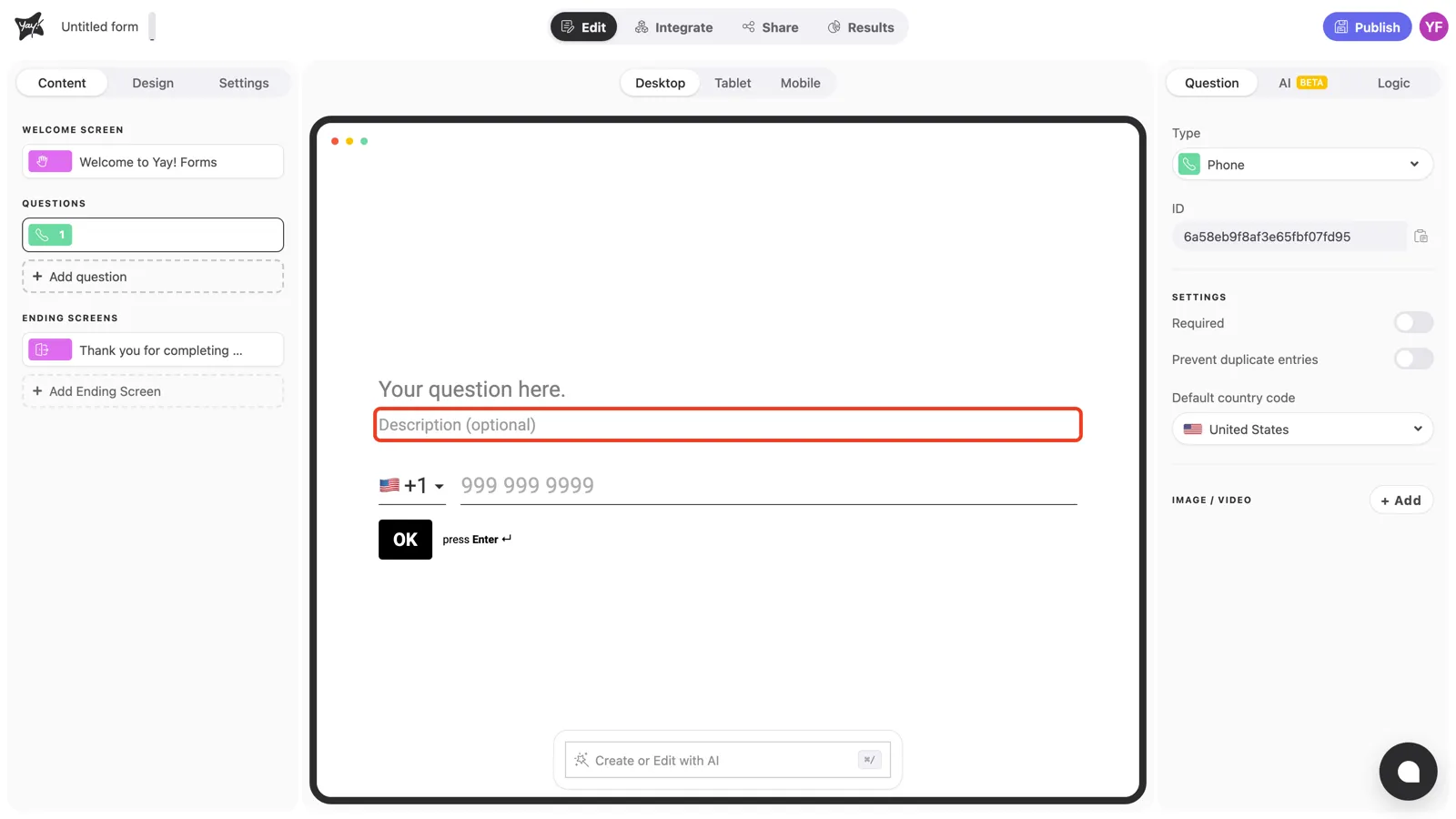
If you plan to contact respondents by phone, use the optional description to say when and why. It noticeably increases how many people answer.
Question settings
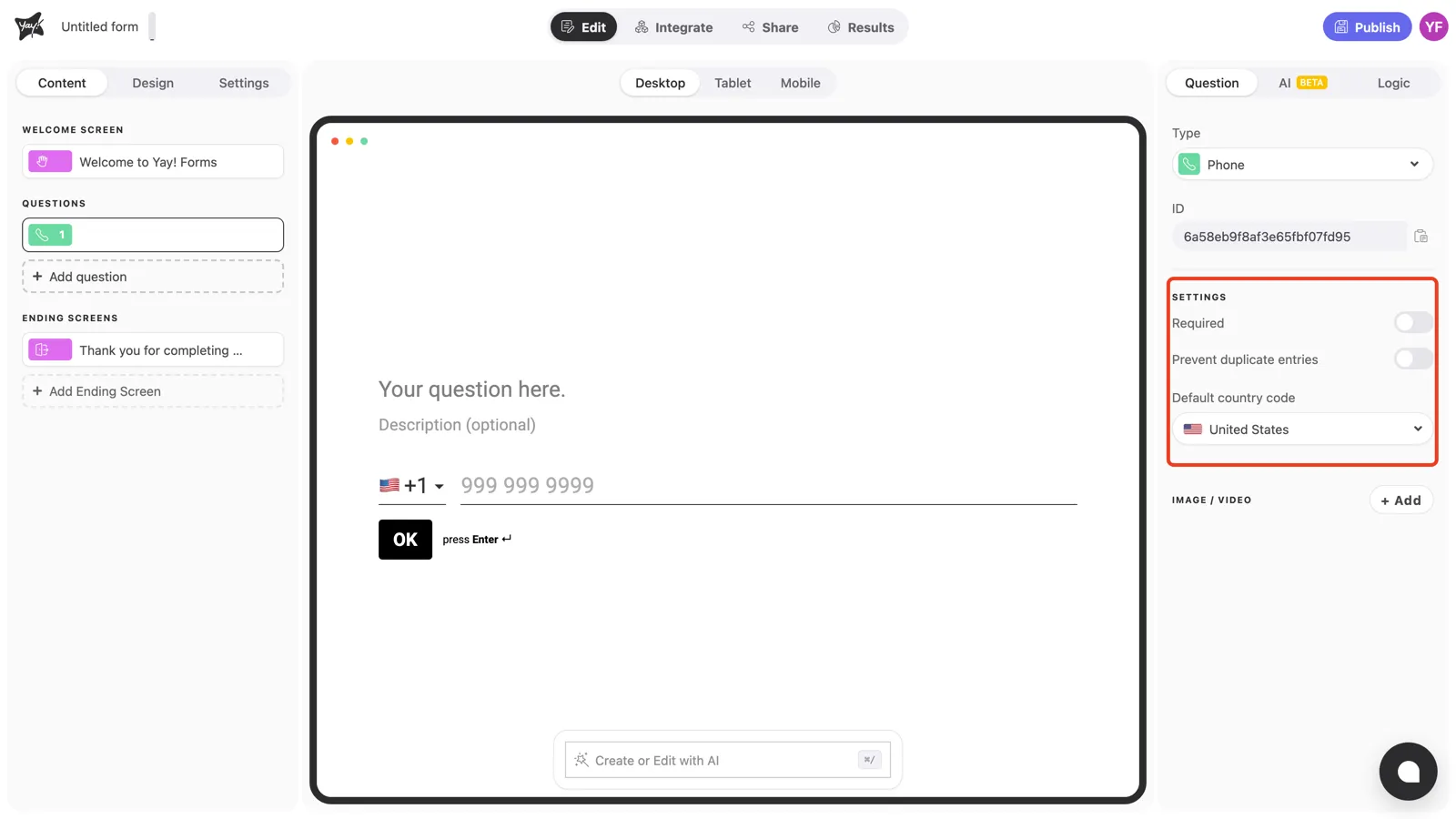
With the question selected, the Settings section in the right panel controls how the question behaves.
Required
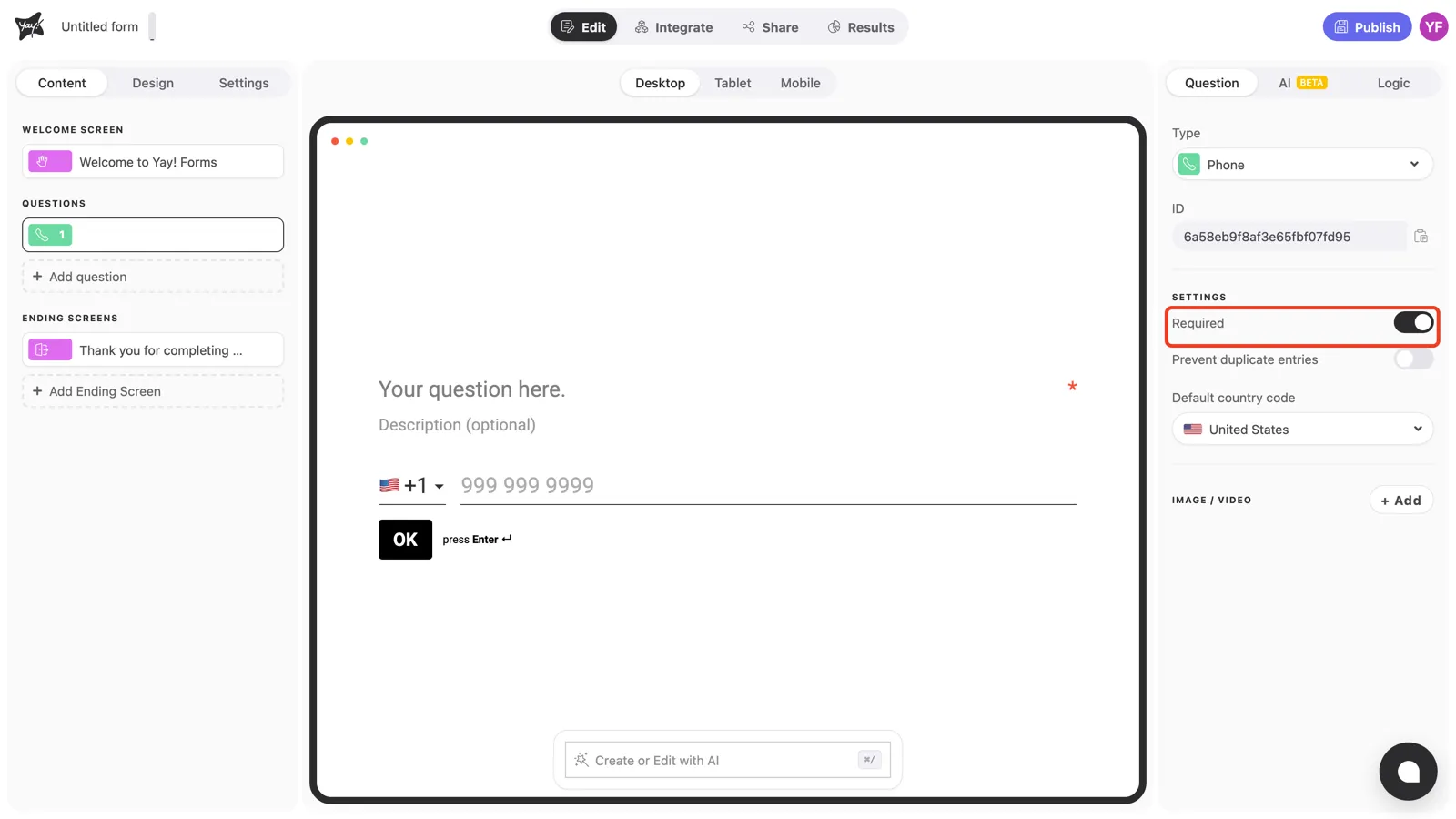
Turn on Required to prevent respondents from skipping the question. An asterisk appears at the end of the question line, and the form won’t advance until a number is entered.
Prevent duplicate entries
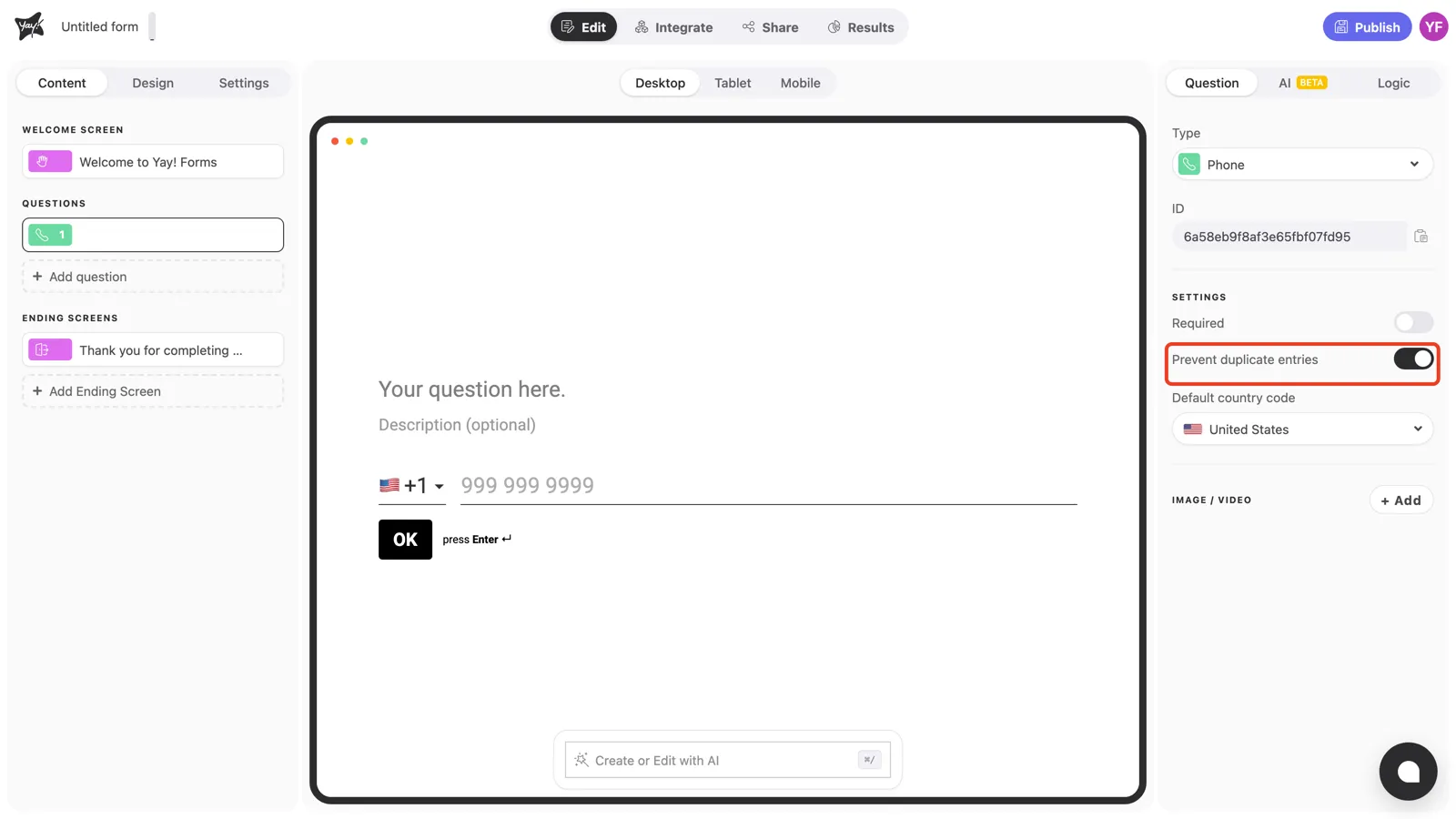
Turn on Prevent duplicate entries to stop the same phone number from being submitted more than once.
Default country code
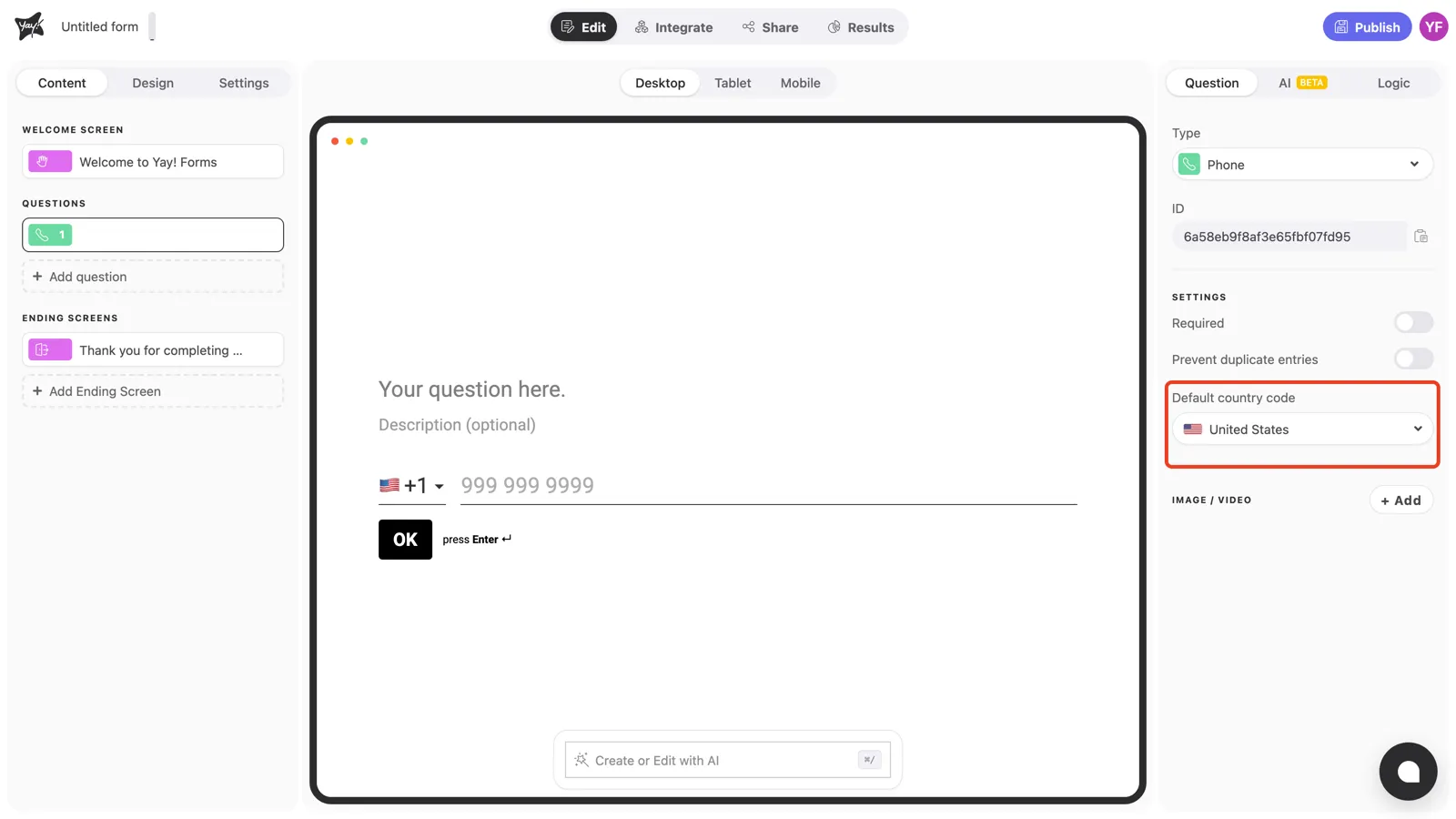
Pick the country your respondents most likely call home under Default country code. The answer box starts with that flag selected, and respondents from elsewhere can still switch it. If most of your audience is in Brazil, set it to Brazil and save every respondent a click.
Conclusion
You’ve learned how to add a Phone question with a country code selector, require an answer, block duplicates, and preselect the right country for your audience.
Related articles: