The Website question type collects a link from your respondents: their portfolio, company site, social profile, or any other URL. Using the dedicated type (instead of a plain text field) tells the respondent’s device to offer a URL-friendly keyboard and keeps your data consistent.
In this article you’ll learn how to add a Website question, edit its text, and configure its settings.
Add a Website question
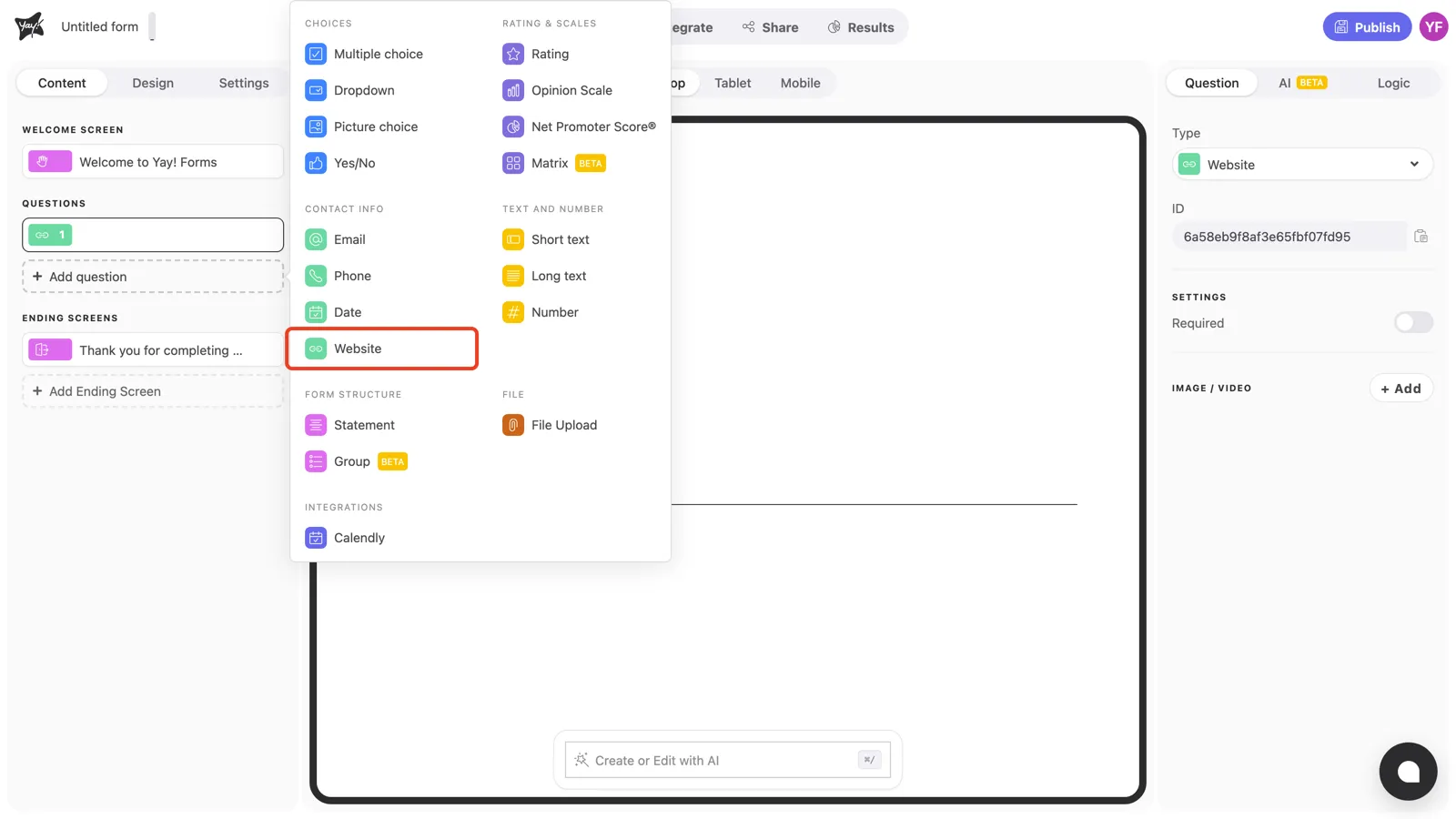
Click + Add question in the left sidebar and pick Website under Contact info.
Write the question and description
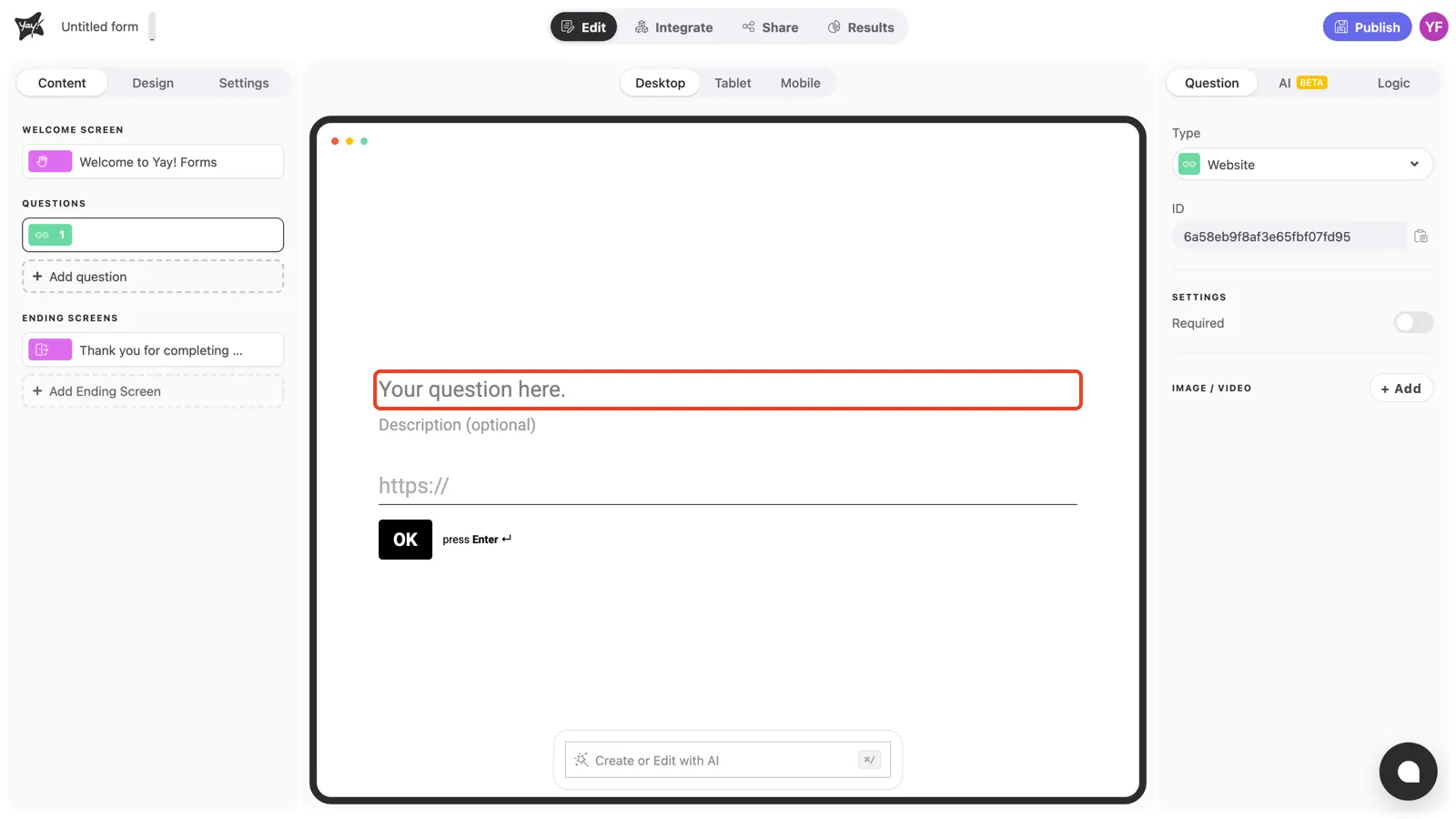
Click “Your question here.” in the canvas and type your question, for example “What’s your company website?”.
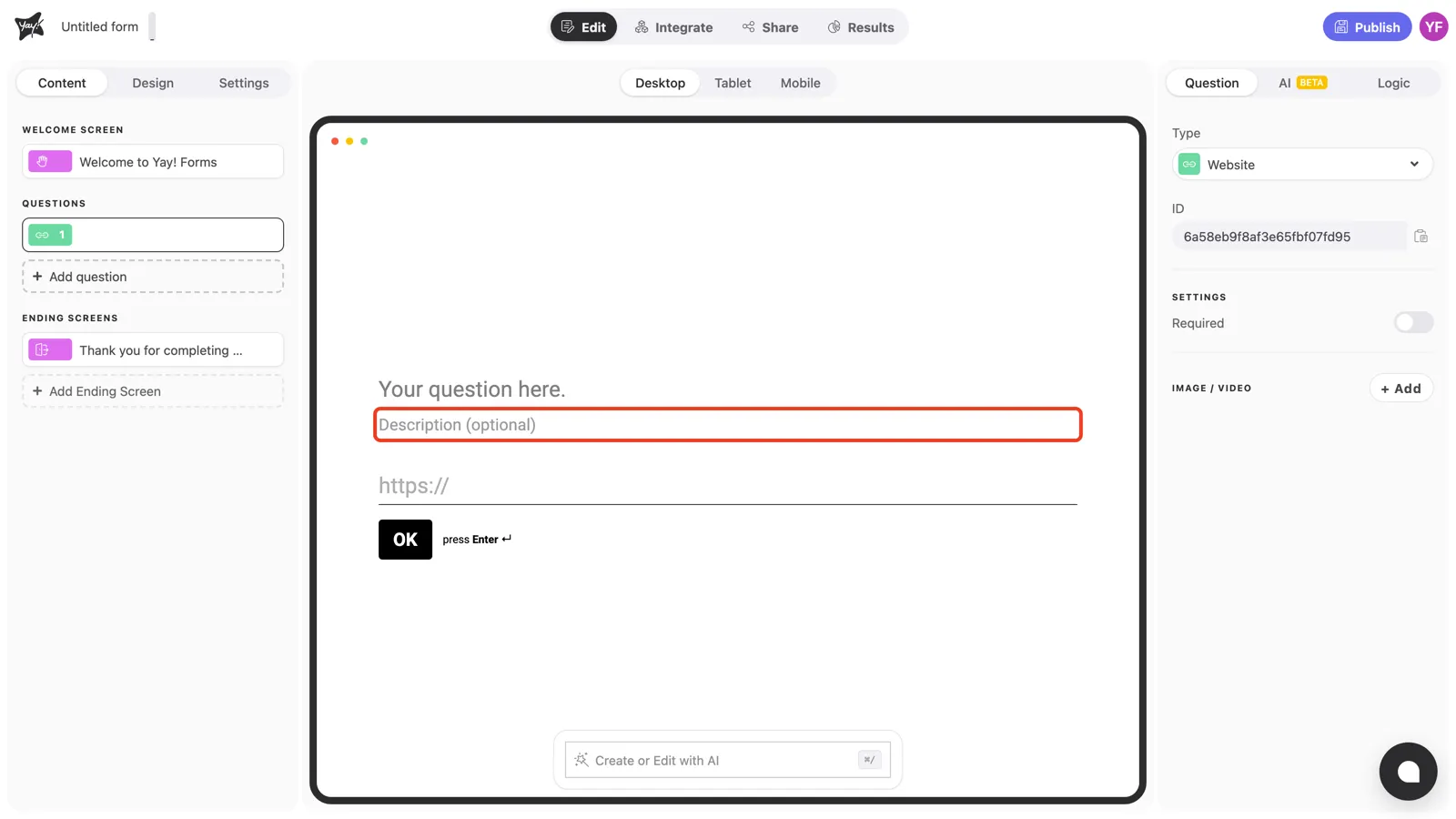
If you need to clarify what kind of link you expect, add it in the optional description field below.
Question settings
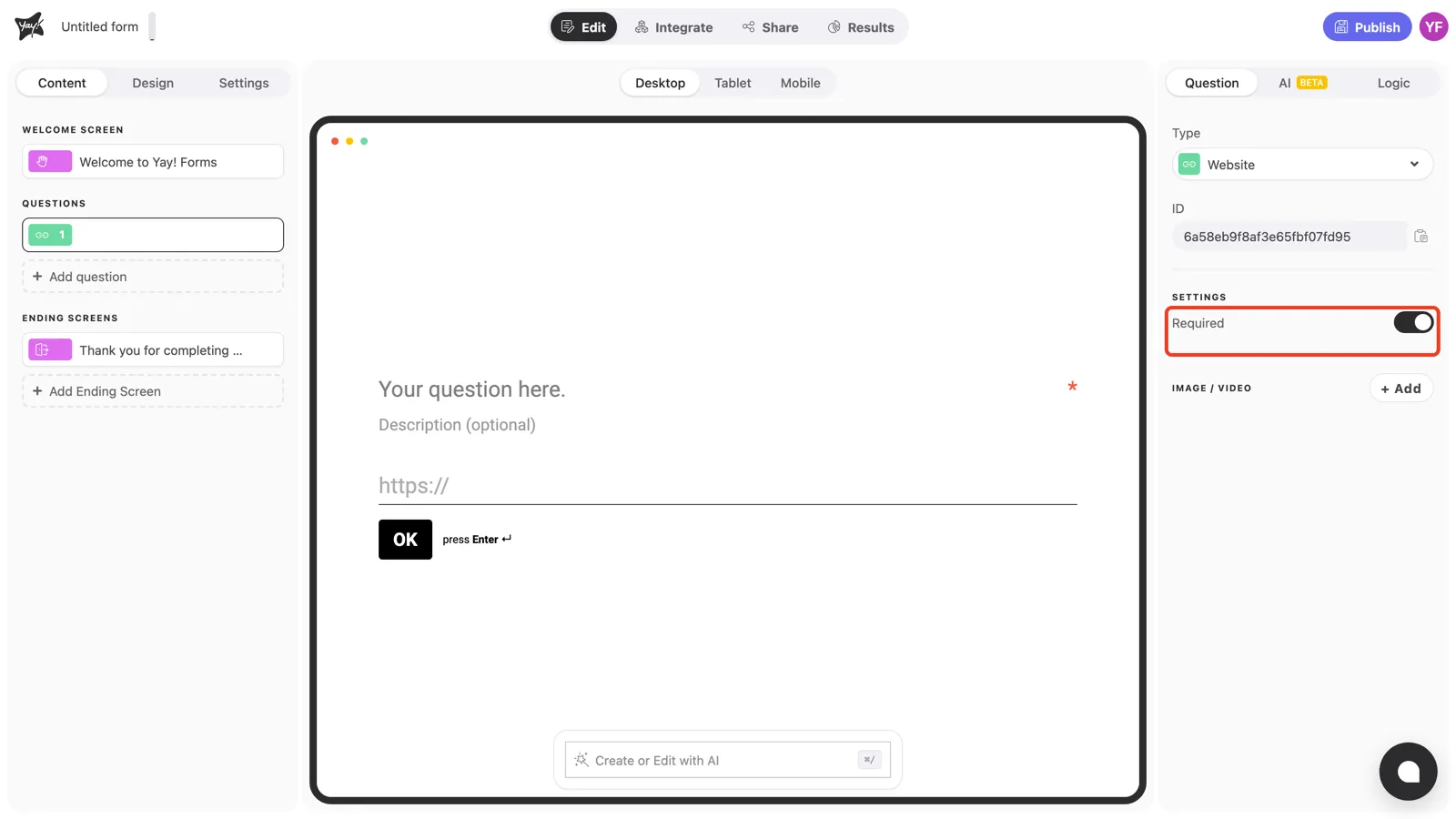
Turn on Required in the right panel to prevent respondents from skipping the question. An asterisk appears at the end of the question line, and the form won’t advance until a link is entered.
Conclusion
You’ve learned how to add a Website question to collect URLs, edit its text and description, and require an answer.
Related articles: