Once your form is published, you share it with a link. This article shows where to find that link, how to copy it, and how to preview the form on desktop and mobile before you send it out.
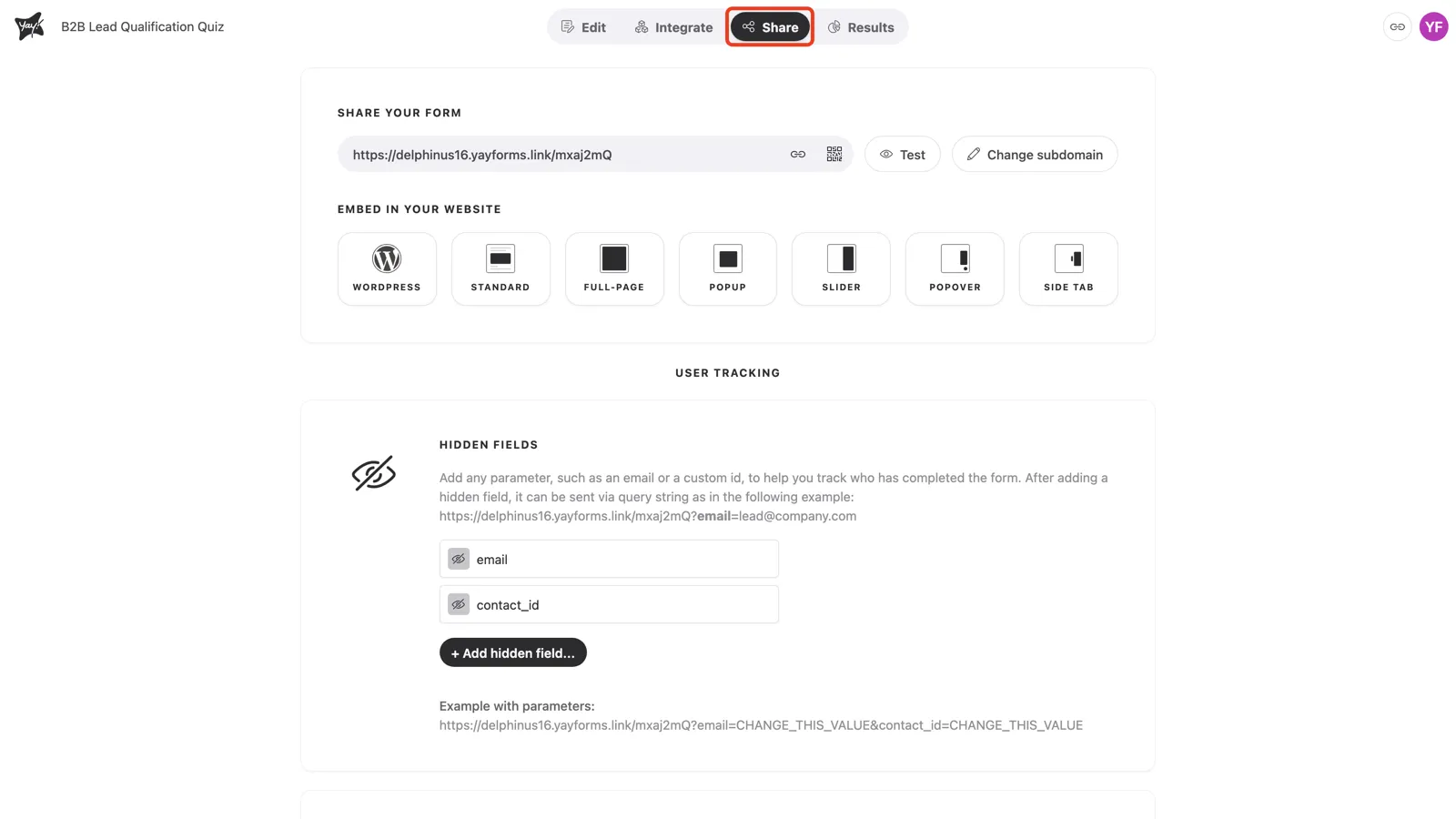
Open the Share tab
In the form editor, click Share in the top navigation.
Copy your form link
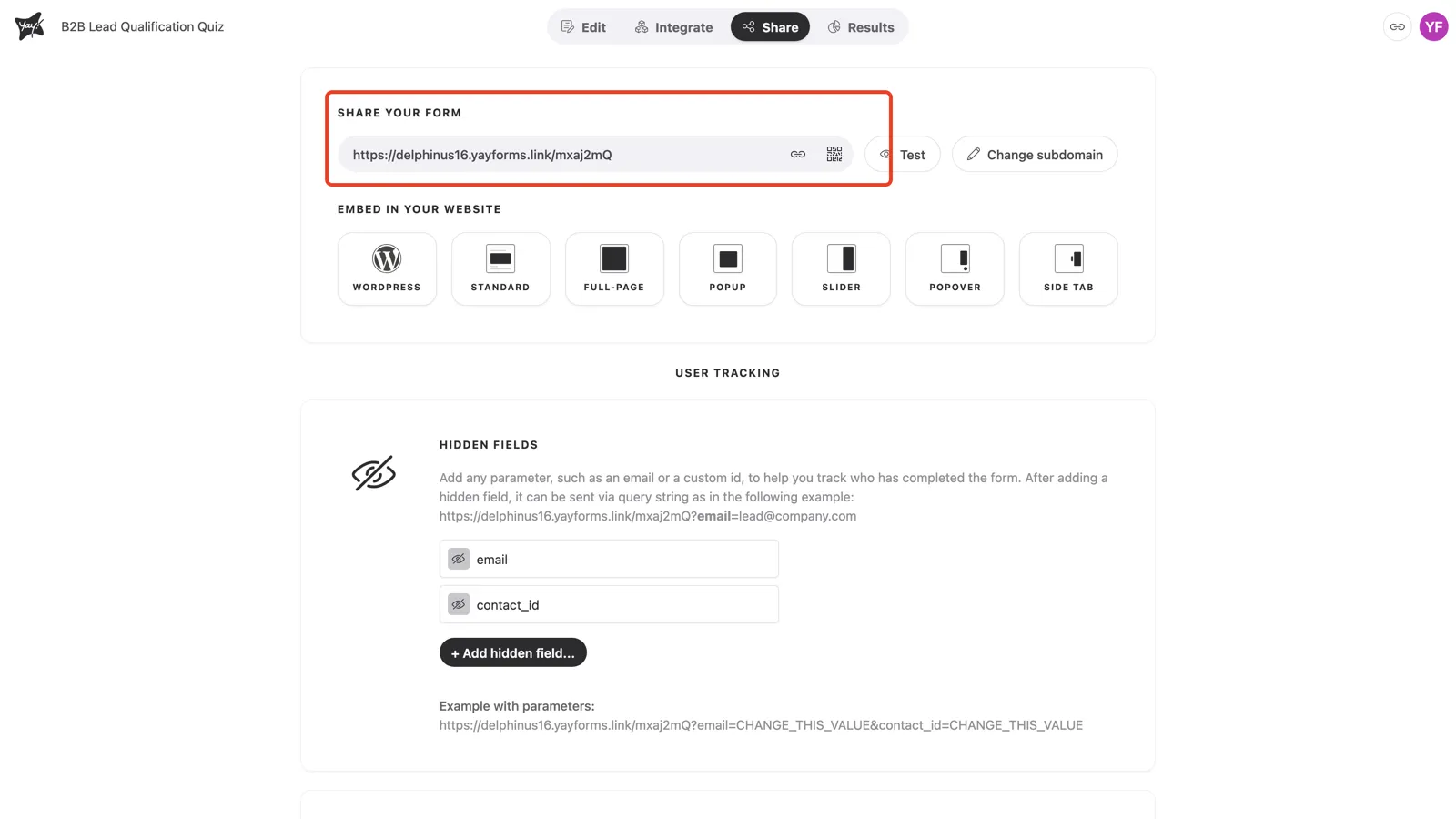
Under Share your form, your public link is ready to go. Click the link icon to copy it, or the QR-code icon to download a QR code. Share it anywhere: email, social, a chat message.
Preview before you share
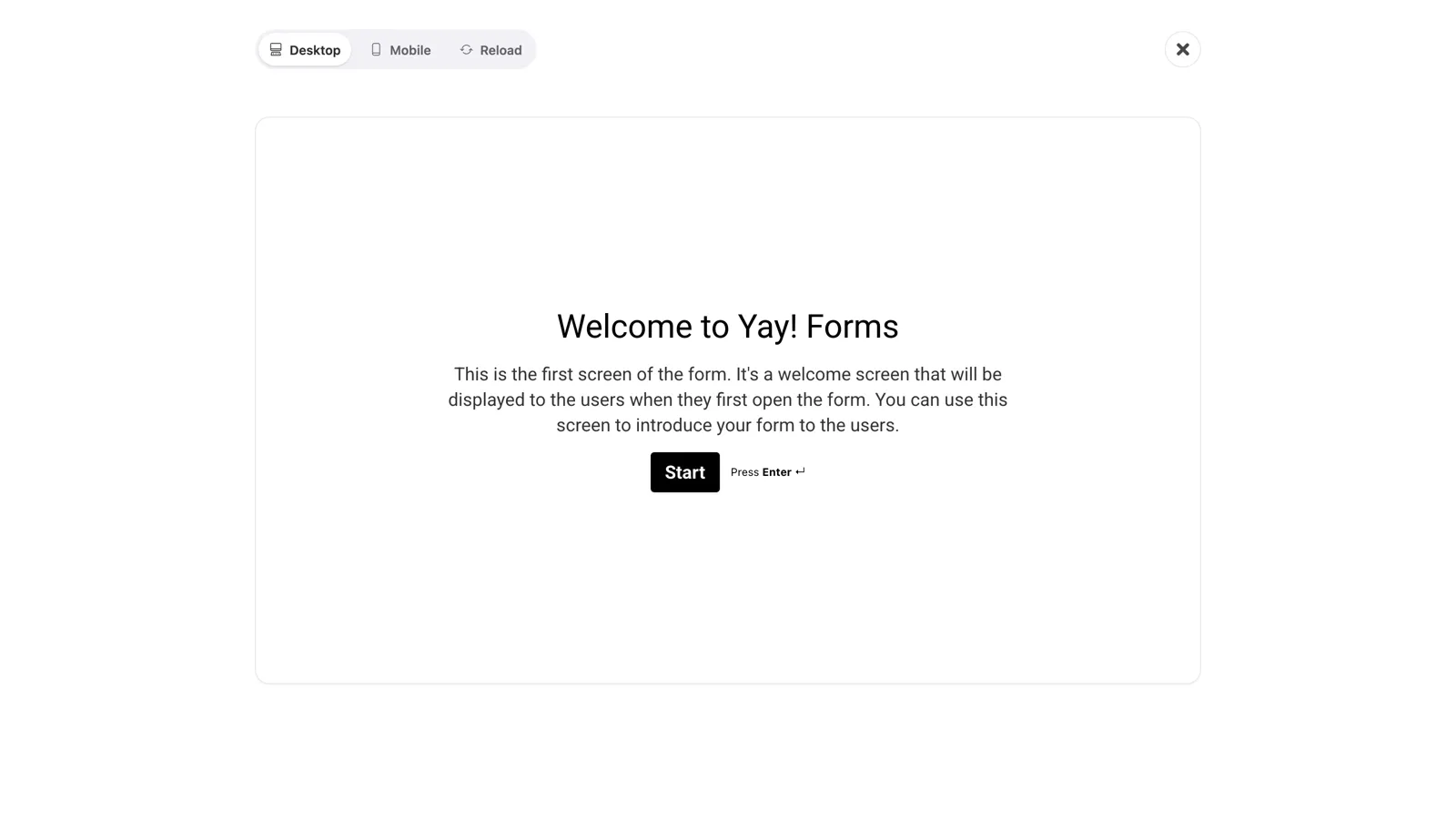
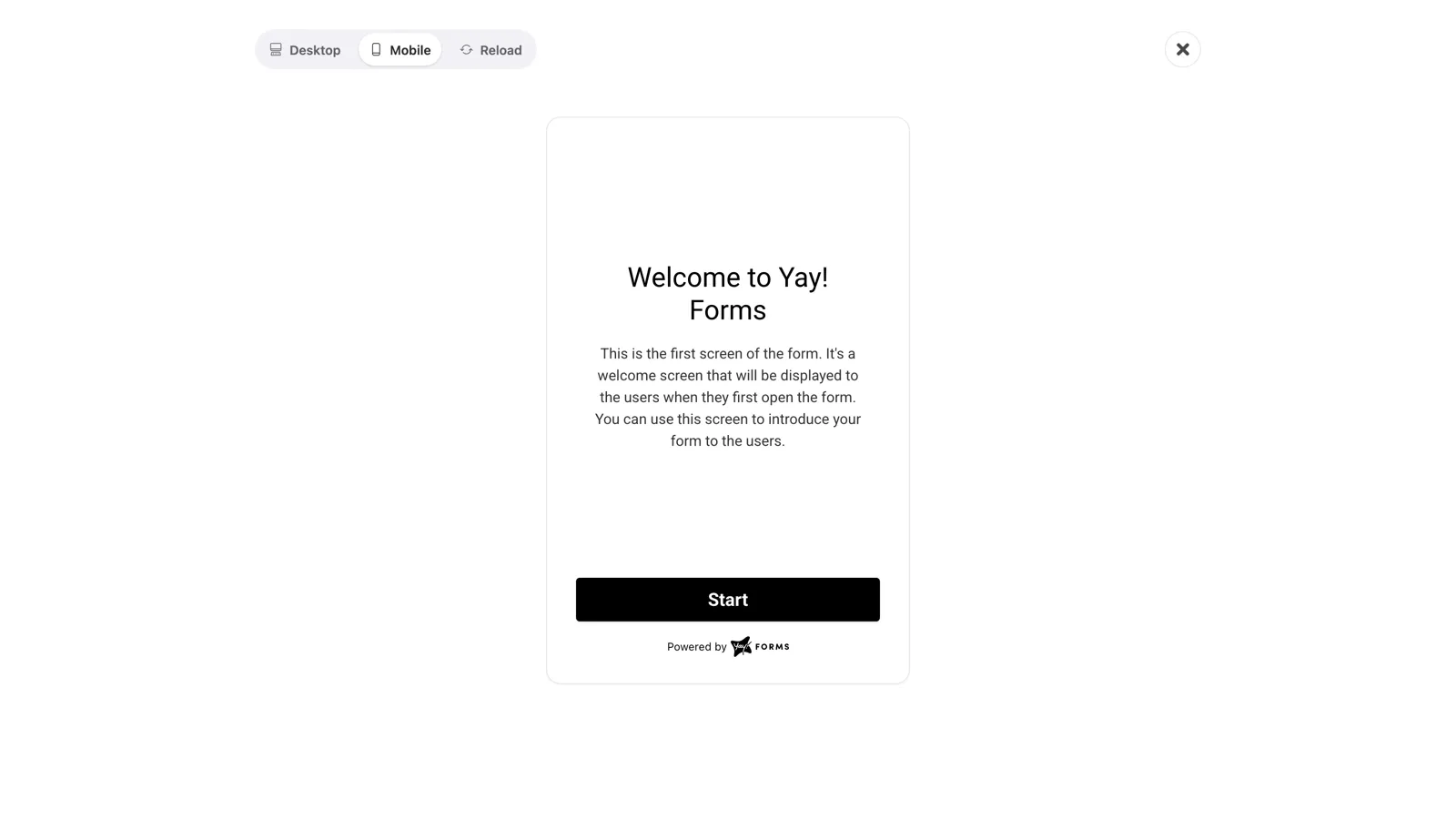
Click Test to open a live preview. Switch between Desktop and Mobile at the top to check the form on both. Test responses don’t count toward your response total.
Conclusion
You learned where to open the Share tab, how to copy your form link or its QR code, and how to preview the form on desktop and mobile before sharing.
Related articles: