Your workspace subdomain is the part before .yayforms.link in your form links, for example yourcompany.yayforms.link. This article shows how to change it. It covers the subdomain only, not a fully custom domain like yourcompany.com.
Open the subdomain settings
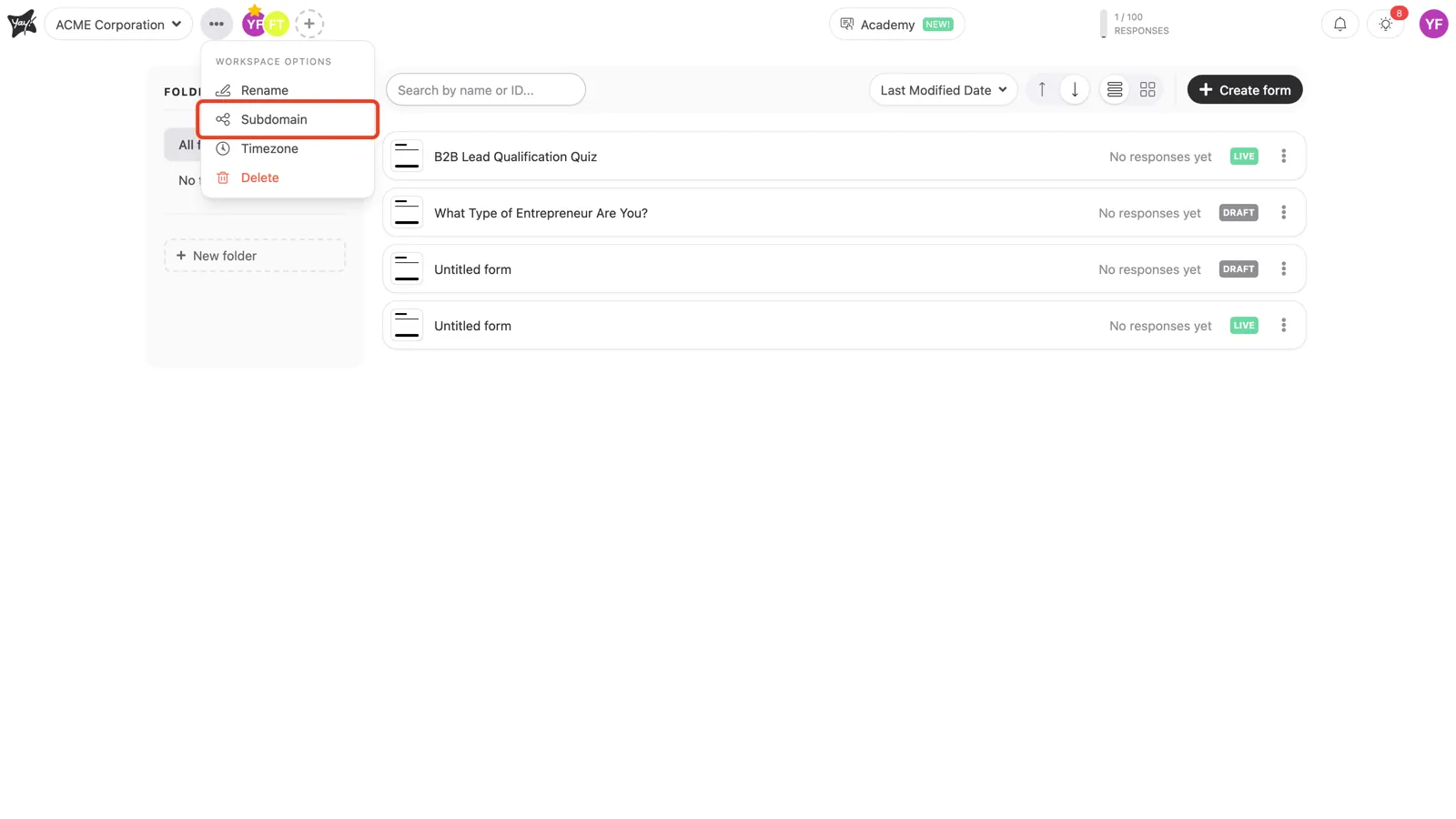
Click the three dots (•••) next to your workspace name at the top left, then select Subdomain.
Enter your subdomain
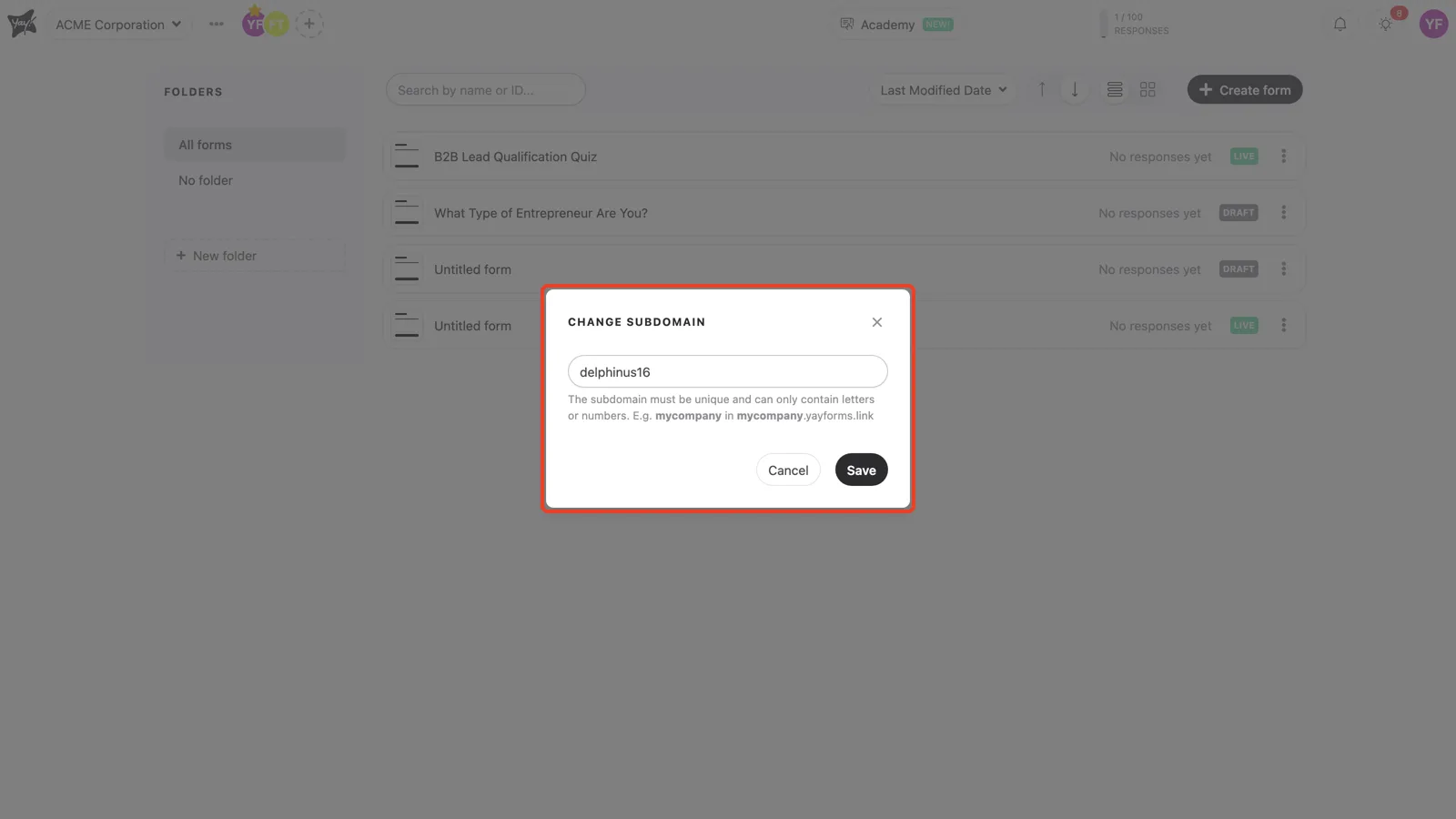
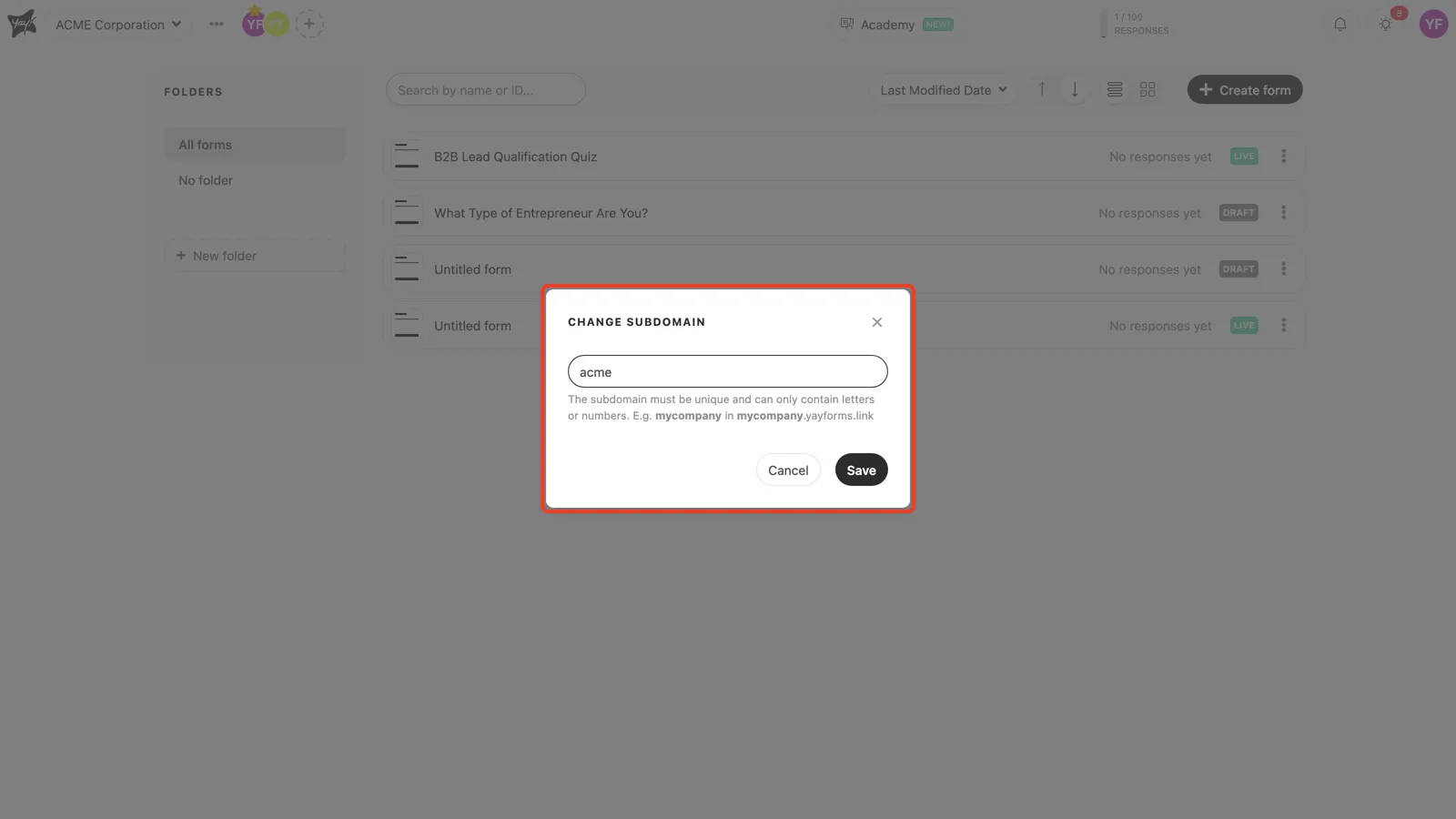
In the Change subdomain window, type the subdomain you want and click Save. It has to be unique and can contain only letters or numbers, for example mycompany in mycompany.yayforms.link.
Plan availability
Changing the workspace subdomain is included on the Plus and Professional plans. A fully custom domain (yourcompany.com) is a Professional add-on.
Conclusion
You opened the subdomain settings, entered a unique subdomain using letters or numbers, and saved it so your form links use your own name at .yayforms.link.
Related articles: