The File Upload question lets respondents attach a file to their answer: a résumé, a receipt, a screenshot of a problem, a signed document.
In this article you’ll learn how to add a File Upload question, edit its text, and configure its settings.
Add a File Upload question
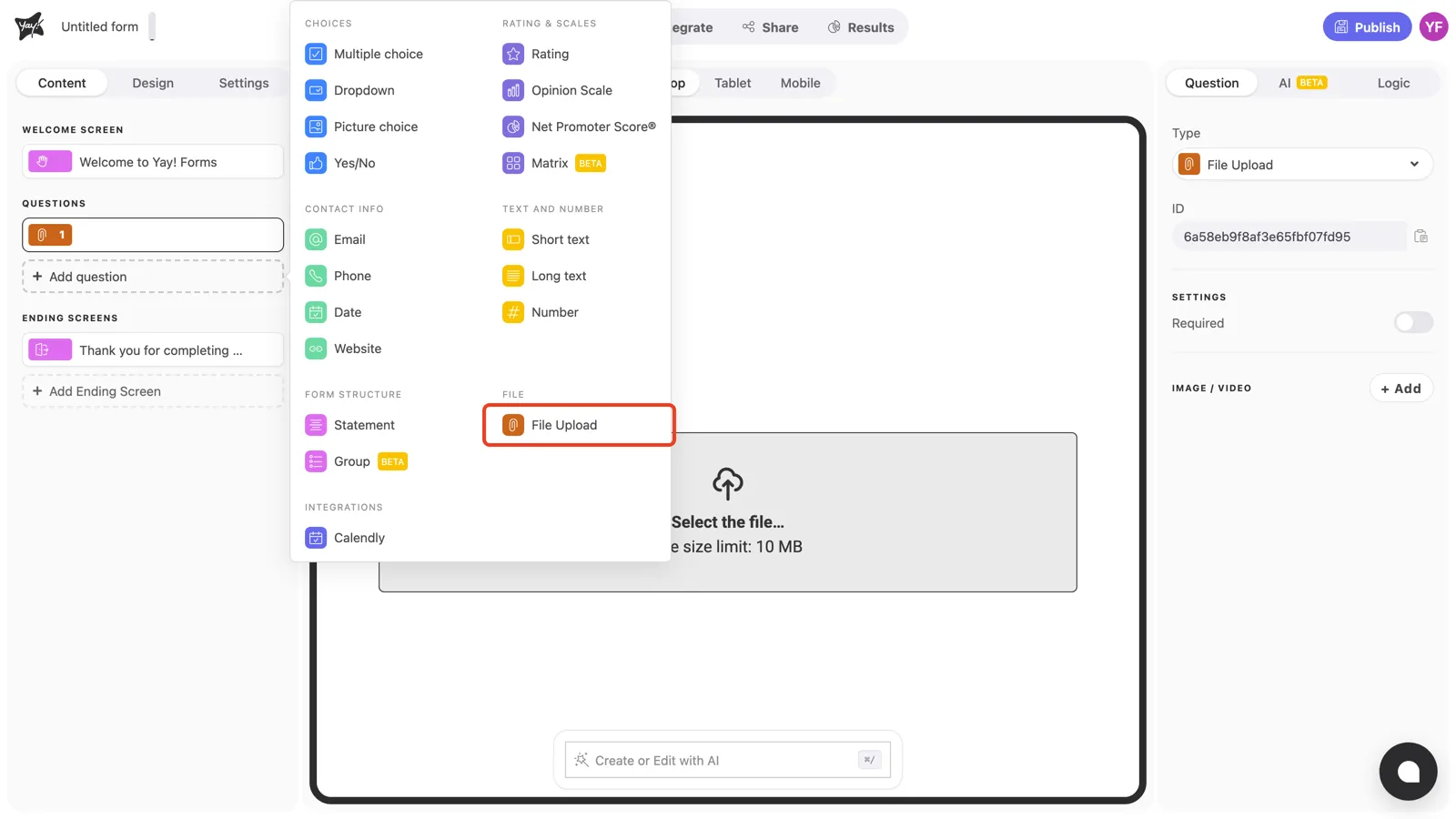
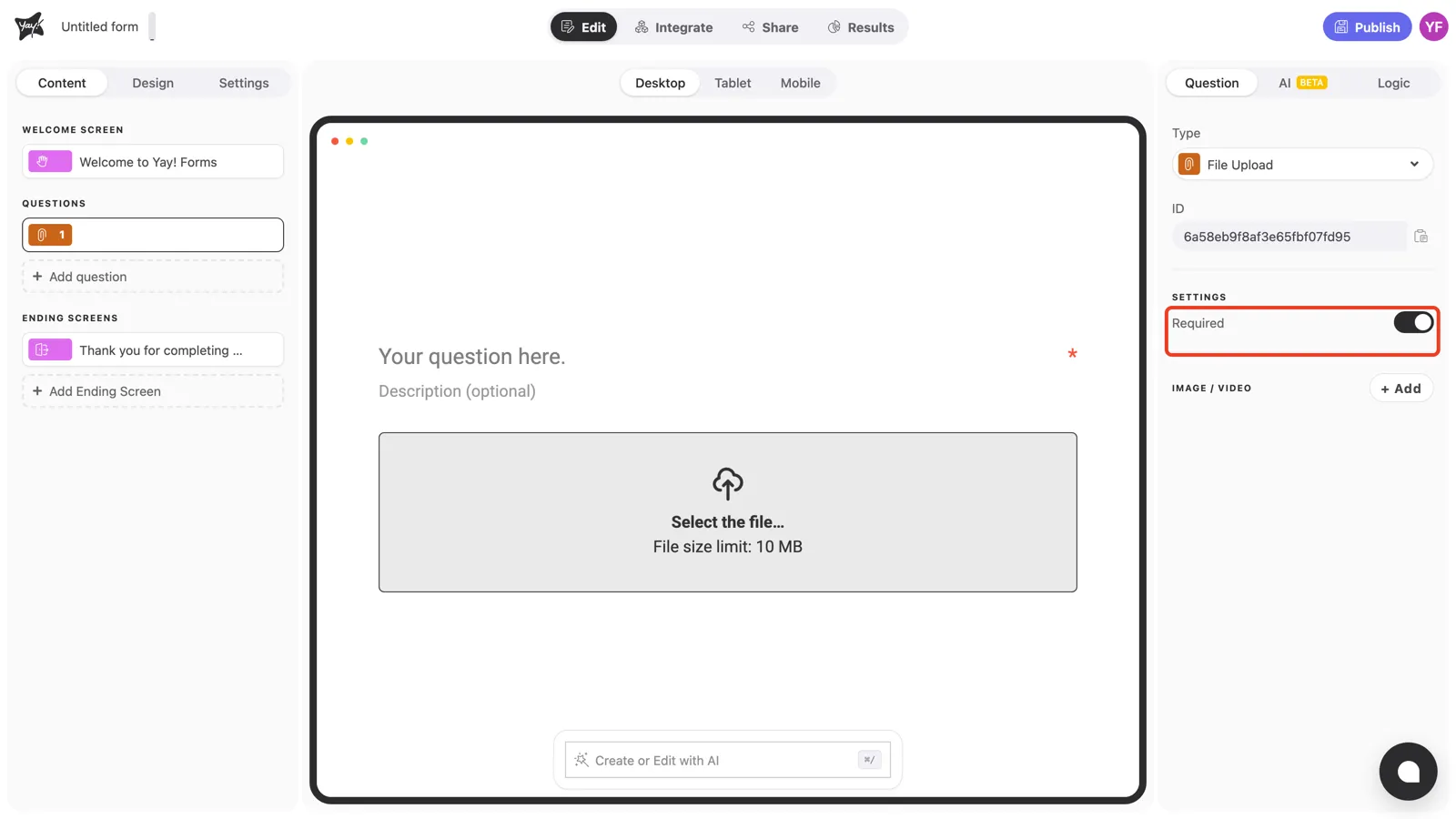
Click + Add question in the left sidebar and pick File Upload under File.
Write the question and description
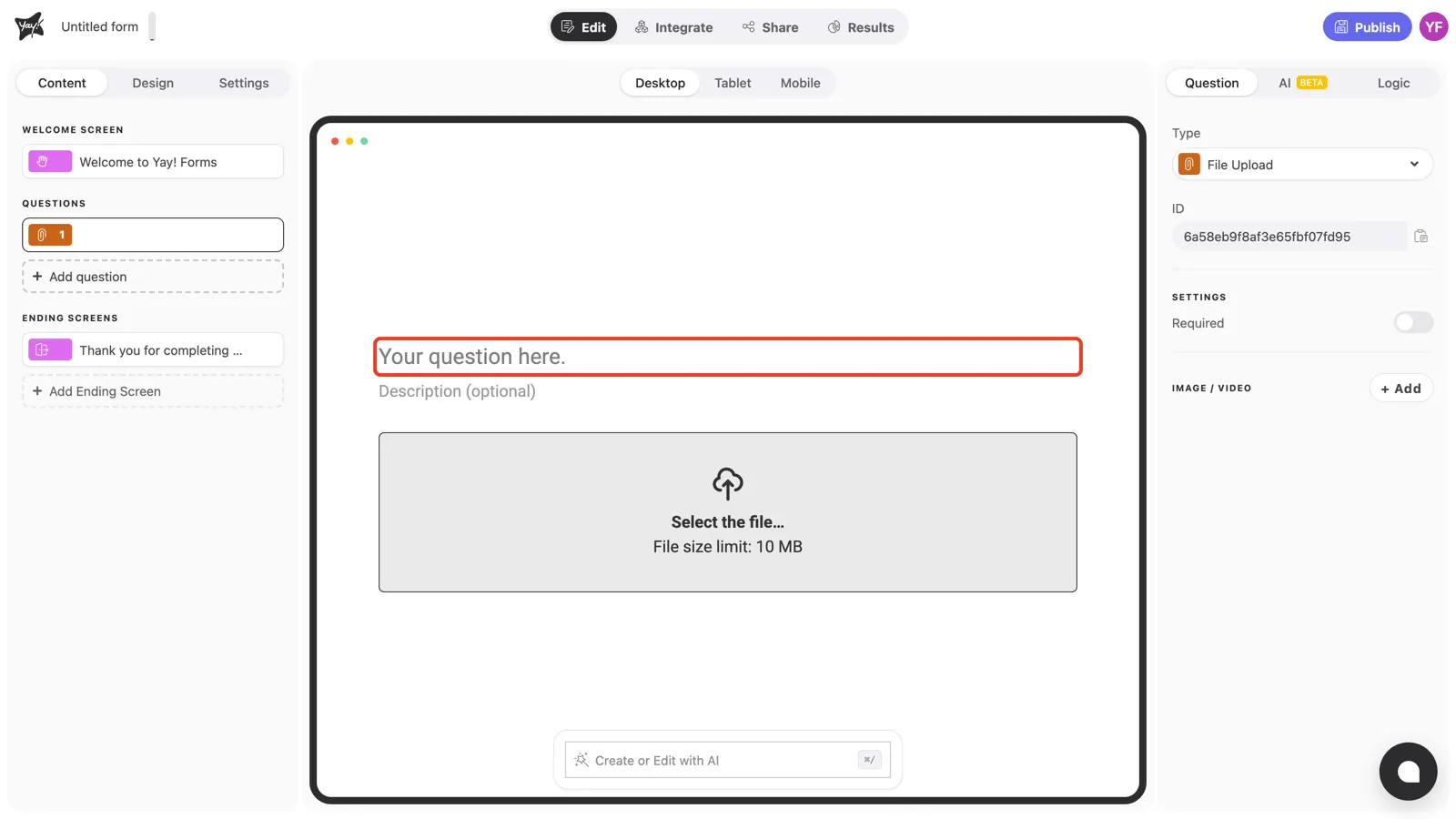
Click “Your question here.” in the canvas and type your question.
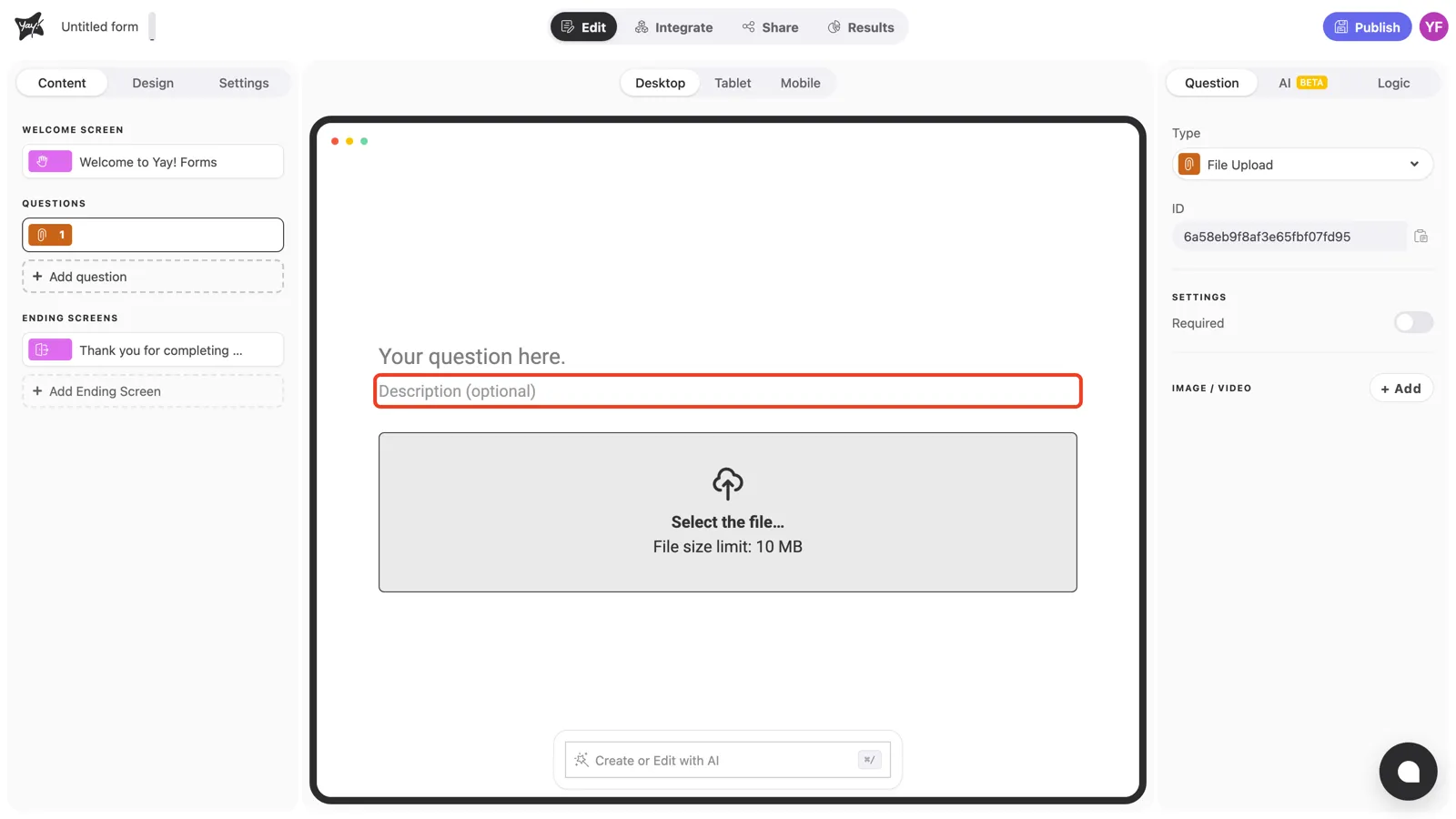
Use the optional description field to tell respondents exactly what to send, such as accepted formats and what the file should contain. Clear instructions here save you follow-up emails later.
The upload area
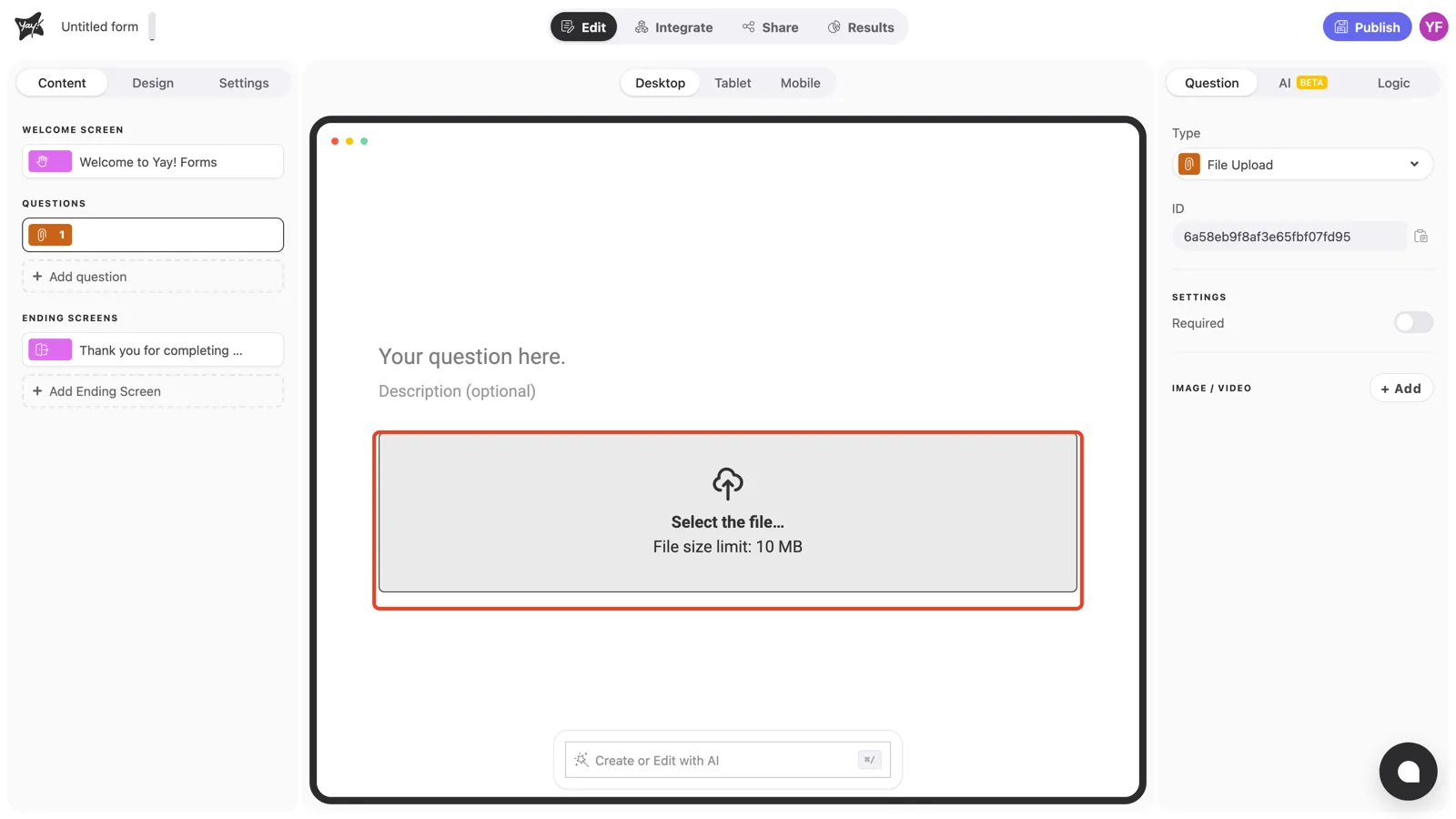
Respondents answer by clicking the upload area and picking a file from their device. Files can be up to 10 MB each. The limit is shown right in the upload box.
Question settings
Turn on Required in the right panel to prevent respondents from continuing without attaching a file.
Conclusion
You’ve learned how to add a File Upload question, guide respondents with a clear description, and require the upload when the file is essential.
Related articles: