UTM parameters are the five tags marketers use to label a link’s origin: utm_source, utm_medium, utm_campaign, utm_term, and utm_content. Switch them on for a form and Yay! Forms recognizes them in the form URL, so the campaign that brought each respondent flows through to your analytics and into the response itself.
Turn on UTM parameters
Open the form and go to the Share tab.
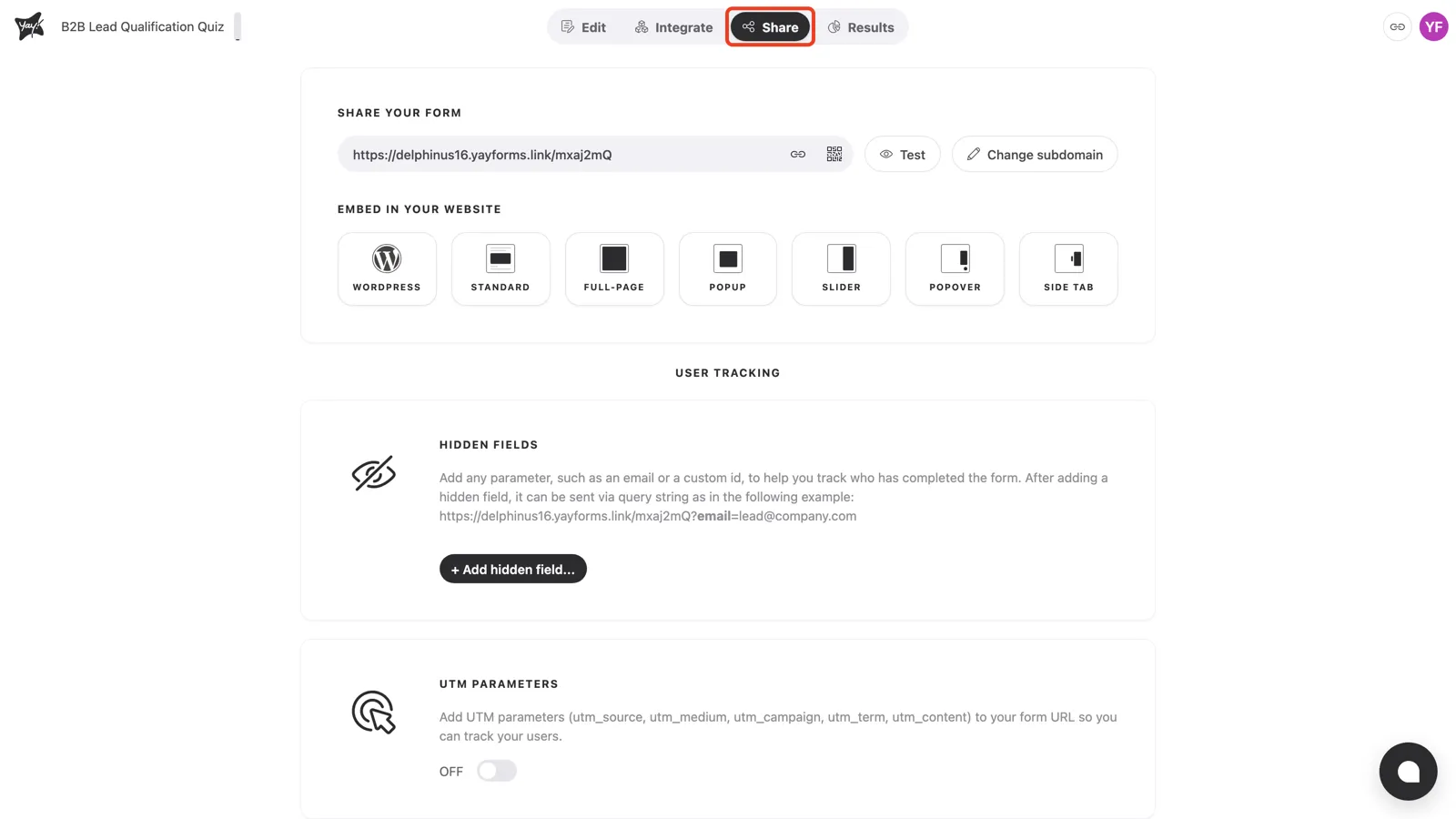
Scroll down to UTM parameters. By default it’s off.
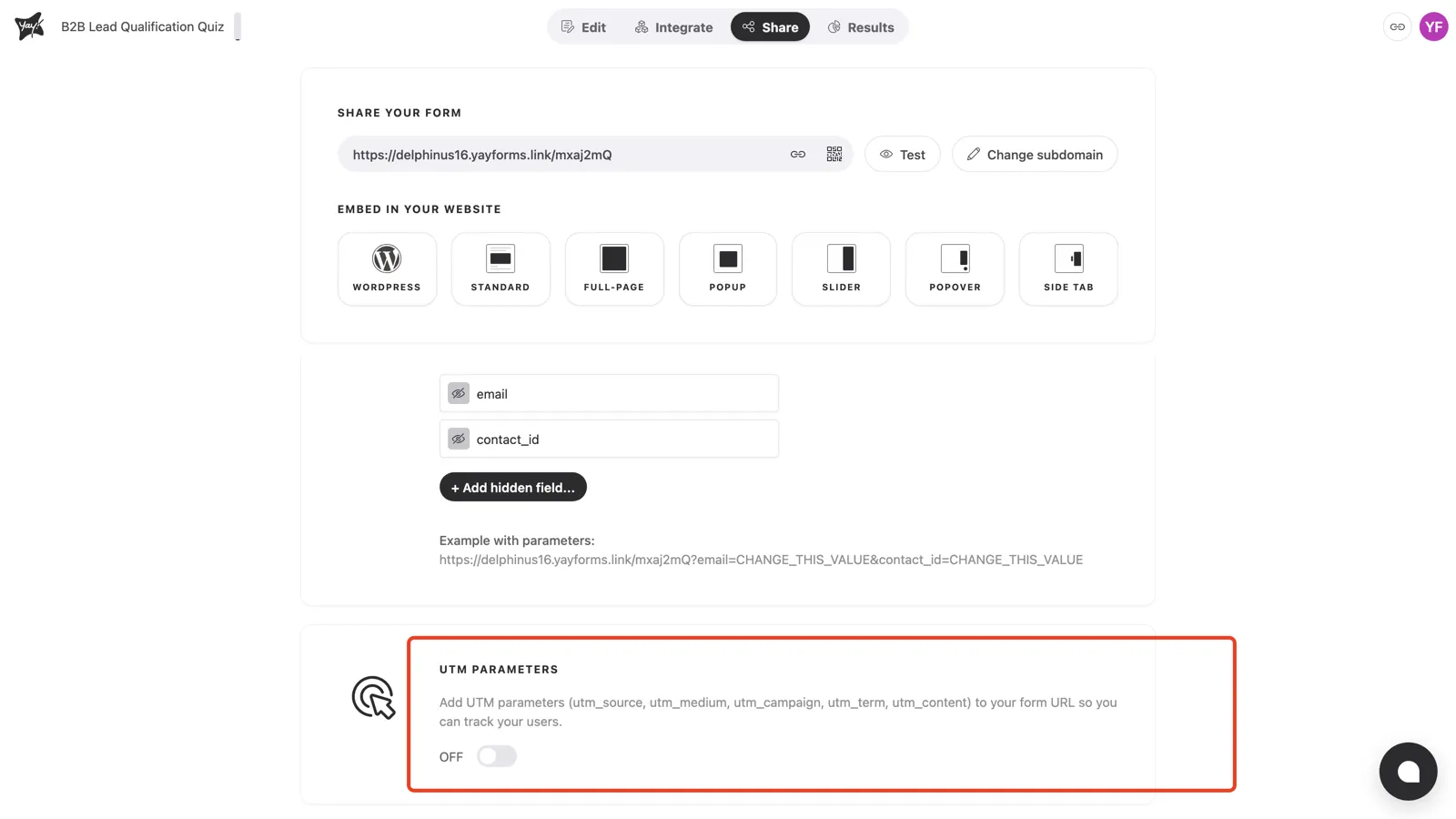
Toggle it on. Yay! Forms shows an example URL with the five UTM parameters appended, so you can see the exact shape your links should take.
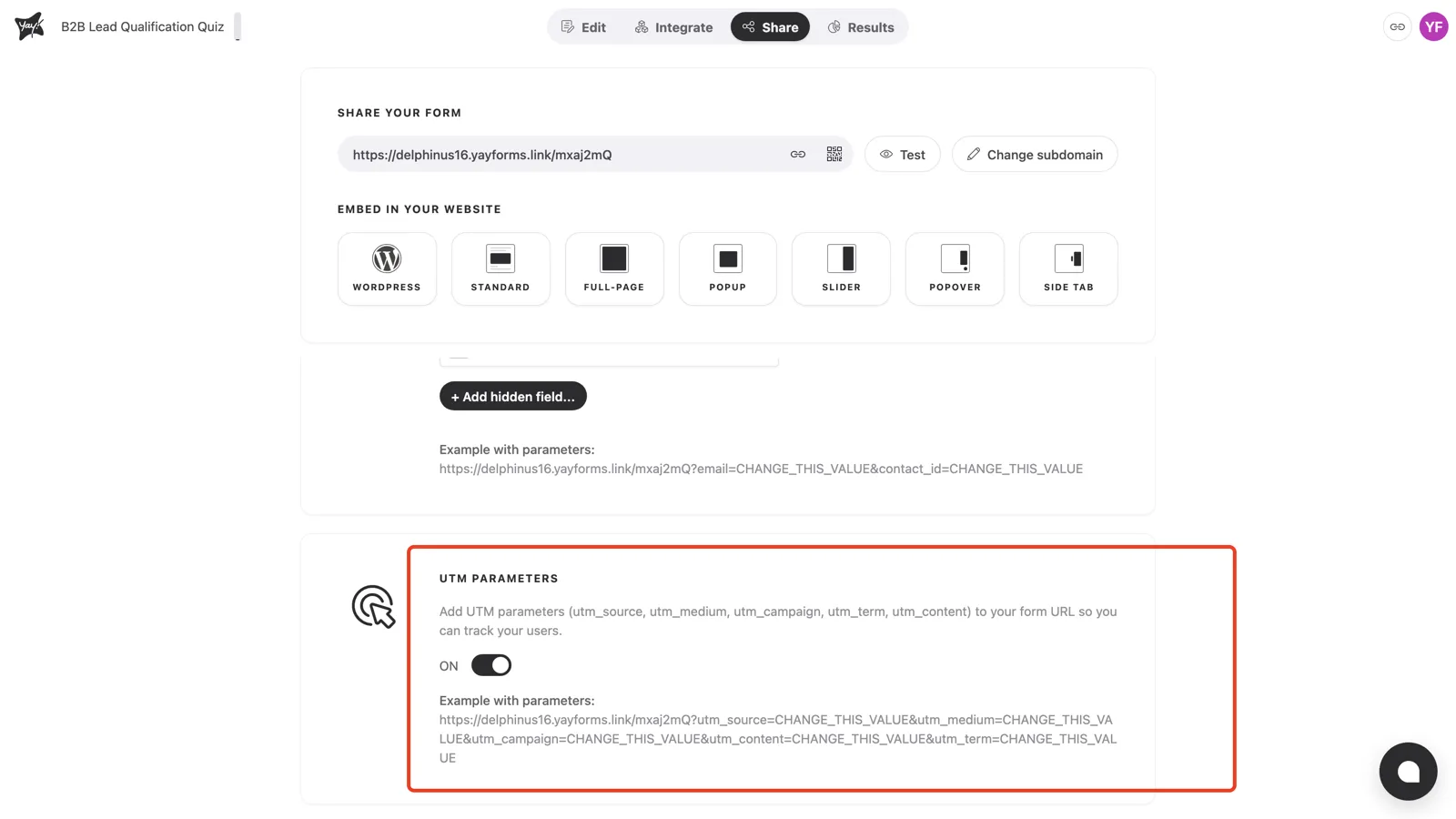
Use them in your links
With UTMs enabled, build your campaign links by replacing each CHANGE_THIS_VALUE with a real value:
https://yourname.yayforms.link/xxxxx?utm_source=newsletter&utm_medium=email&utm_campaign=spring-saleYou don’t have to include all five. Any UTM parameters present in the URL are captured with the response and passed to the analytics tools you’ve connected.
Conclusion
You’ve learned how to switch on UTM parameters from the Share tab and how the five tags ride along in the form URL to reach your analytics and responses.
Related articles: