When you contact Yay! Forms support about your account, granting support access lets the team sign in and see exactly what you see. It makes troubleshooting faster, and you can revoke it the moment you’re done. This article shows how to turn it on and off.
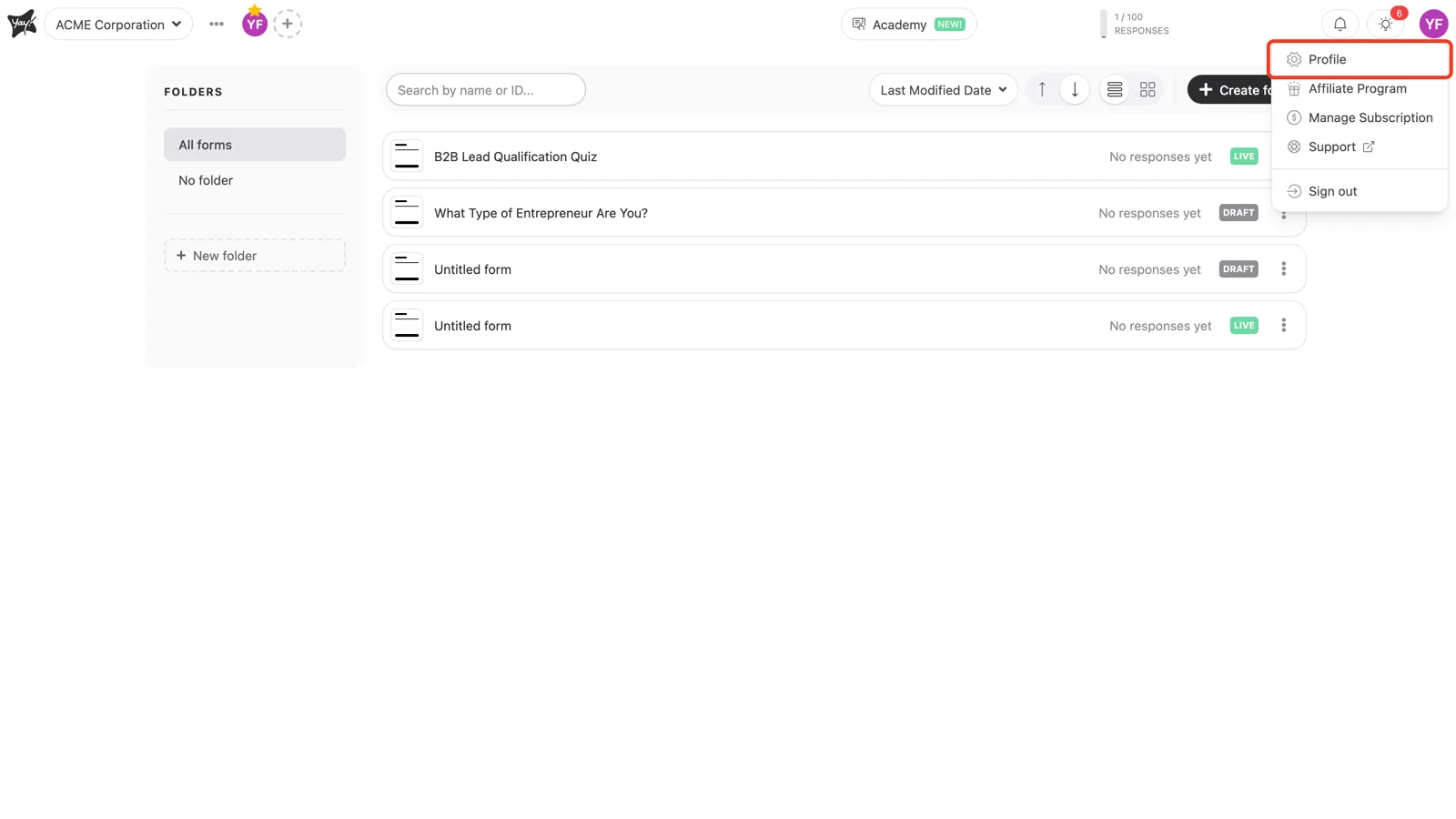
Open your profile
In the top-right corner, click your avatar and choose Profile.
Enable support access
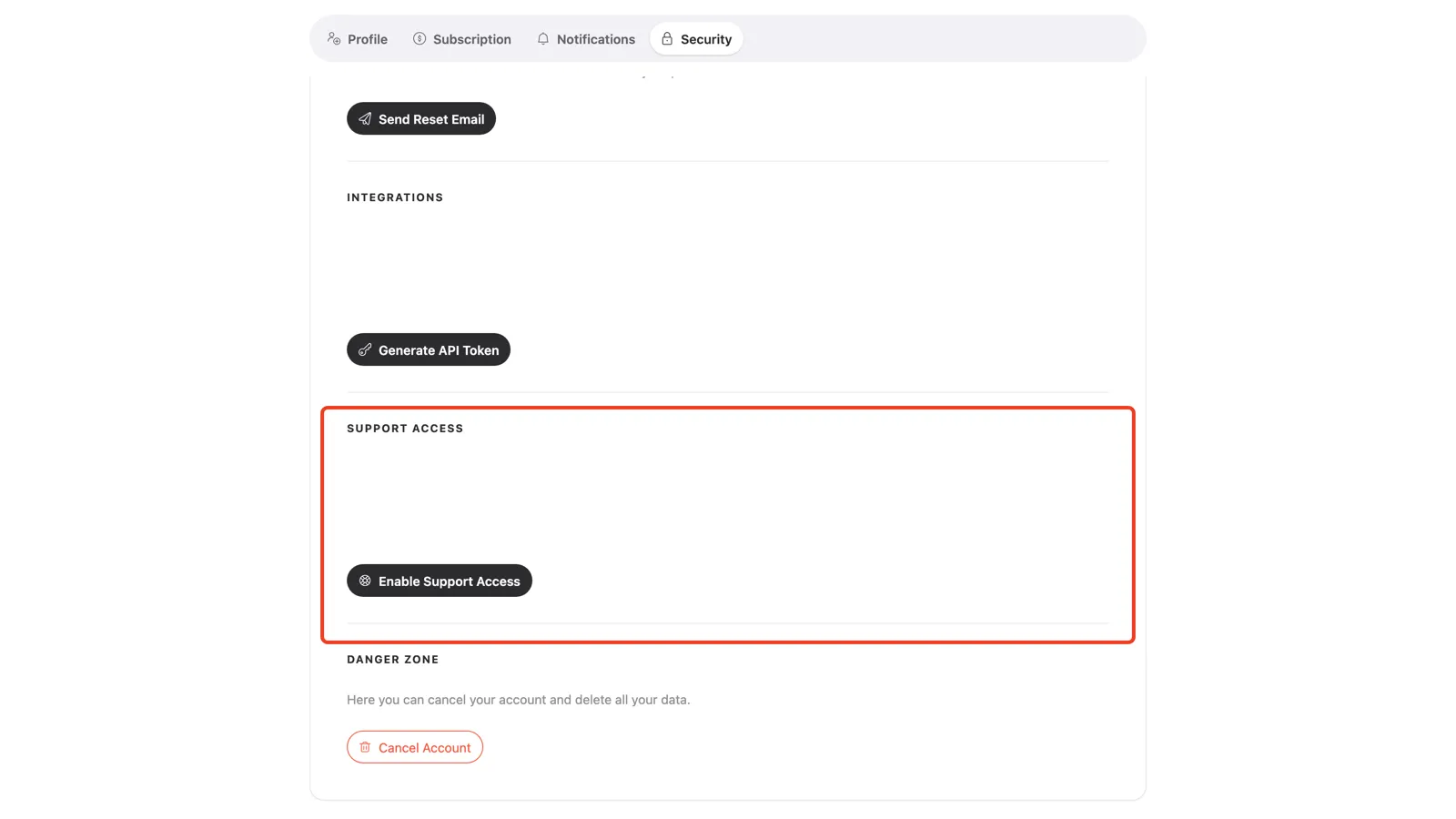
Open the Security tab and scroll to Support Access. Click Enable Support Access. Yay! Forms generates a secure login link the support team can use to reach your account.
Turn it off when you’re done
Support access stays on until you remove it. Return to the same section and click Revoke Support Access once your issue is resolved.
Conclusion
You learned where to grant support access on the Security tab, what enabling it does, and how to revoke it when your issue is resolved.
Related articles: