You can rename a workspace at any time. This article shows where to find the option and how to save the new name.
Open the workspace options
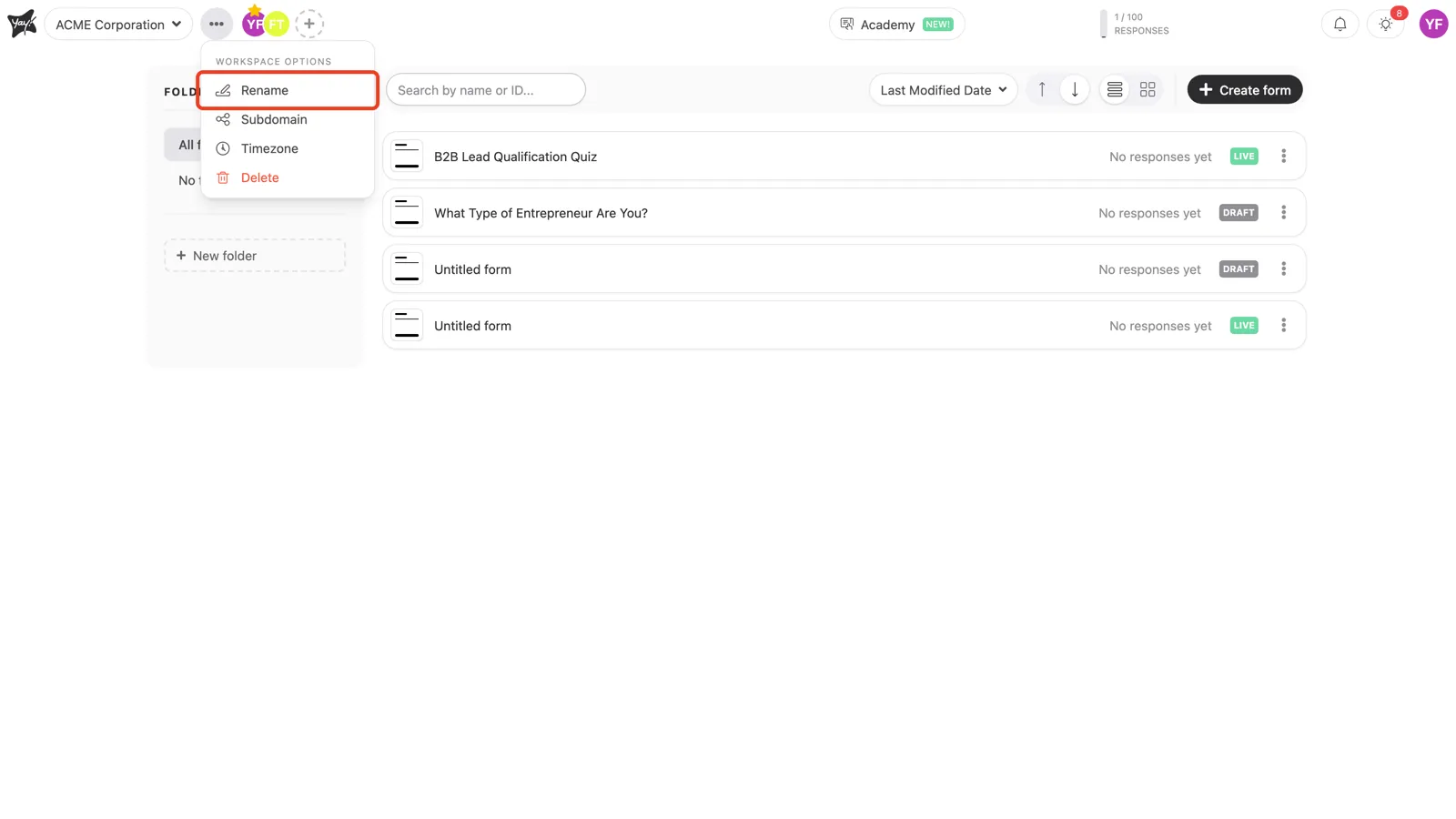
Click the three dots (•••) next to your workspace name at the top left, then select Rename.
Save the new name
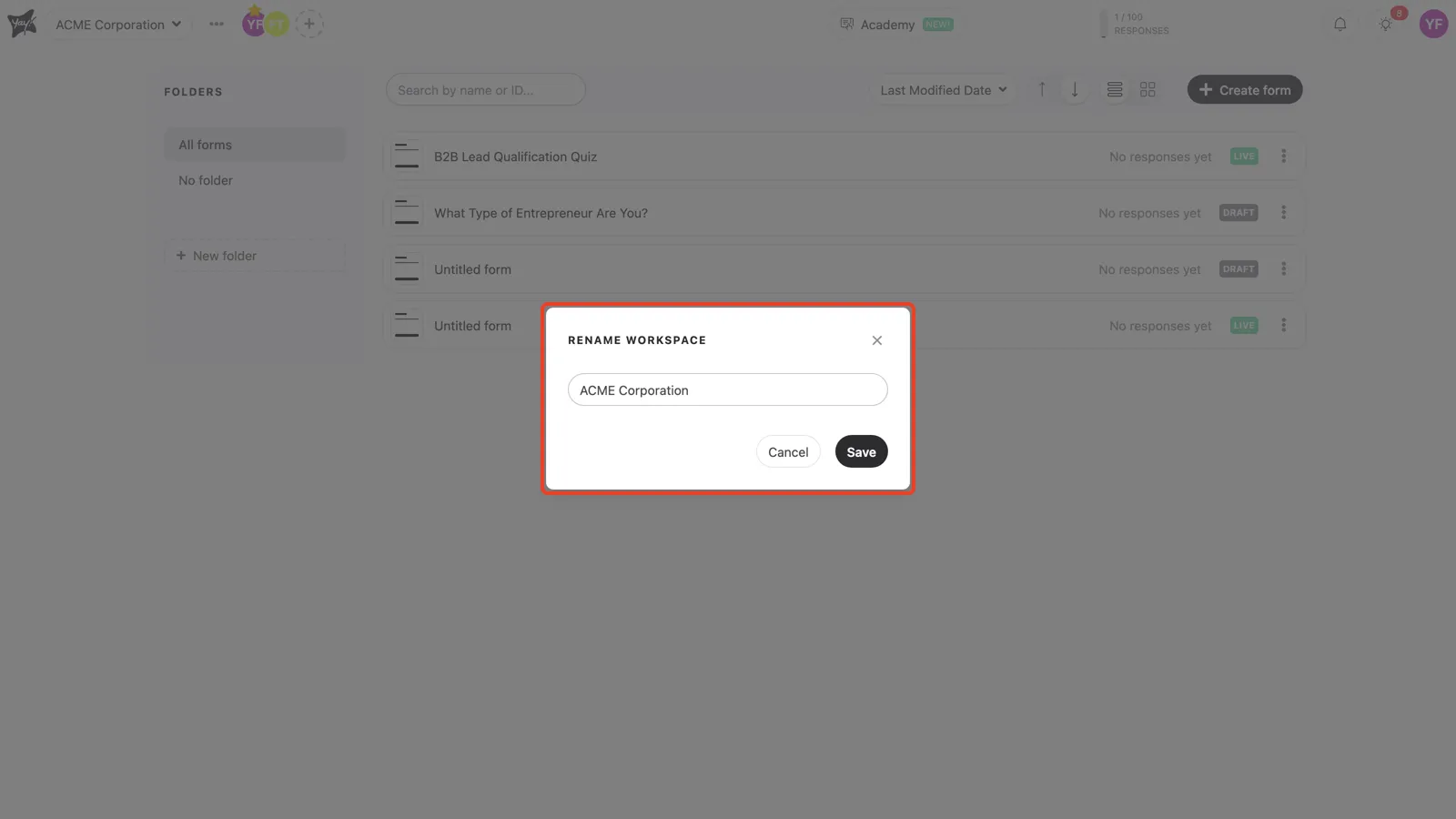
The Rename workspace window opens with the current name filled in. Type the name you want and click Save.
Conclusion
You opened the workspace options menu, chose Rename, and saved a new name for the workspace.
Related articles: