You can move a form between workspaces from the home screen. This article shows where to find the option and how to pick the destination.
Open the form menu
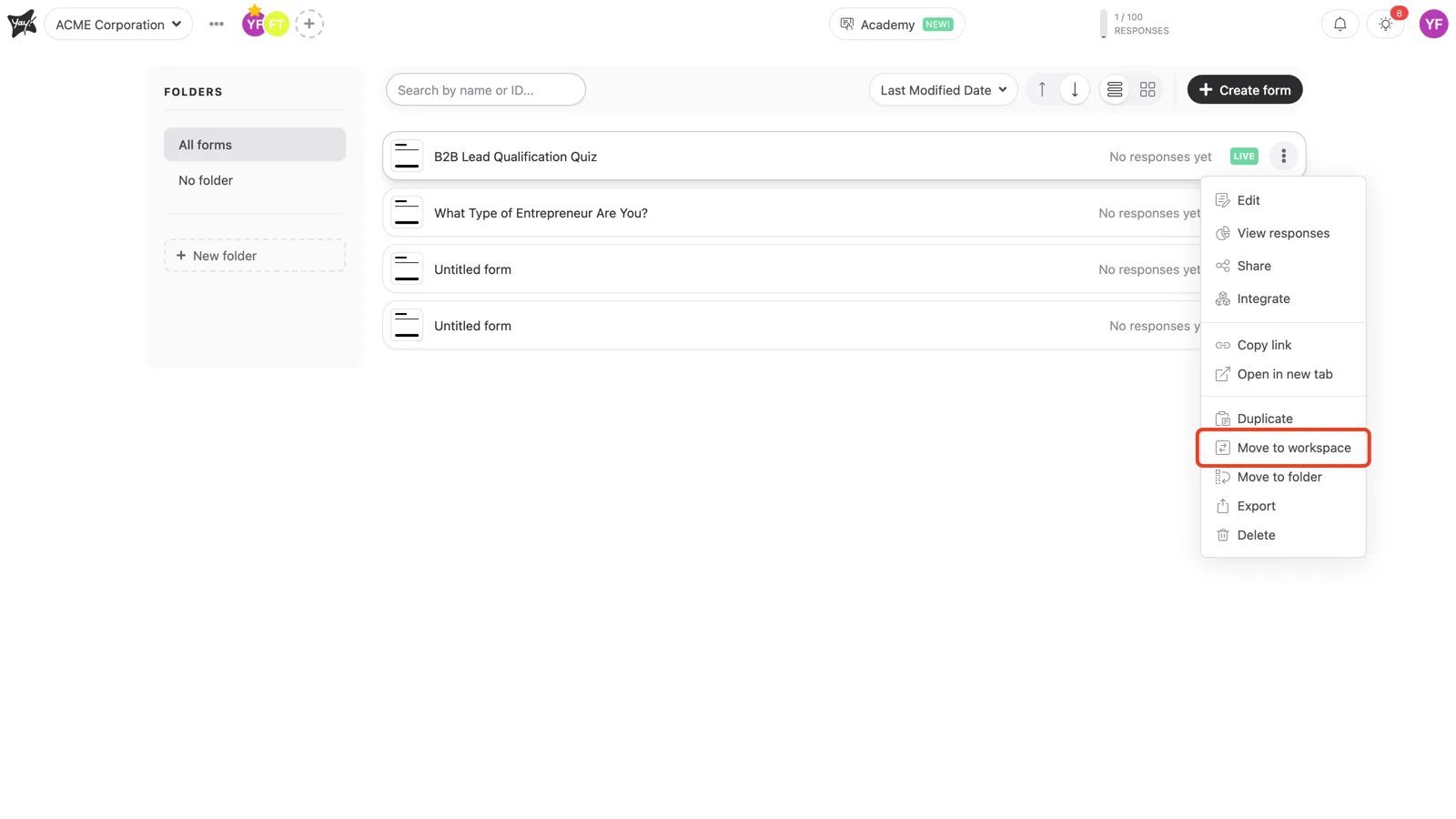
On the home screen, click the three dots (⋮) on the row of the form you want to move, then select Move to workspace.
Choose the destination
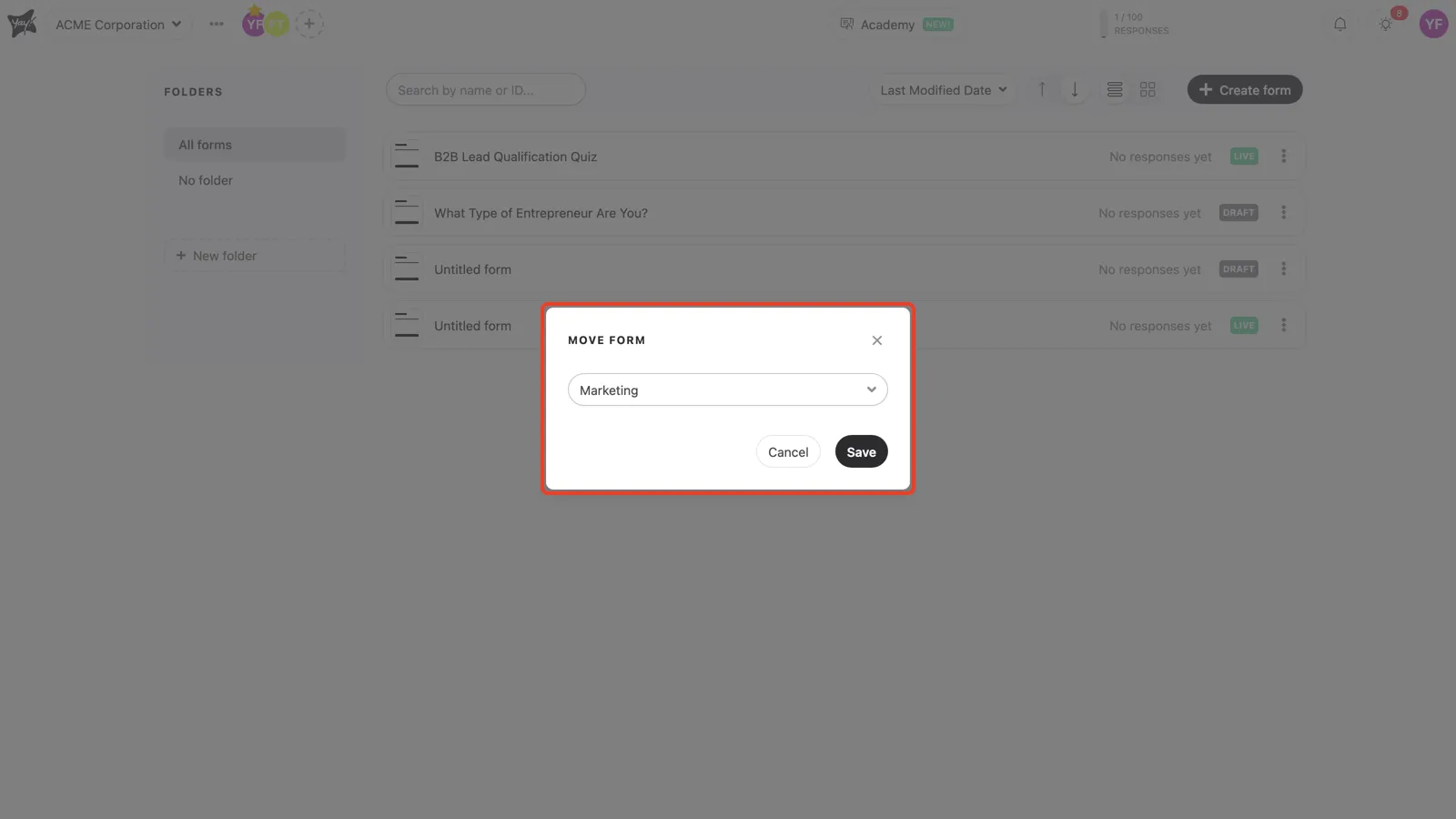
In the Move form window, pick the destination workspace from the dropdown and click Save.
Conclusion
You opened the form menu on the home screen, chose Move to workspace, selected the destination, and saved the change.
Related articles: