Publishing makes your latest edits live and lets the form collect responses. This article shows where to publish, and how to drop edits you don’t want to keep.
Publish your form
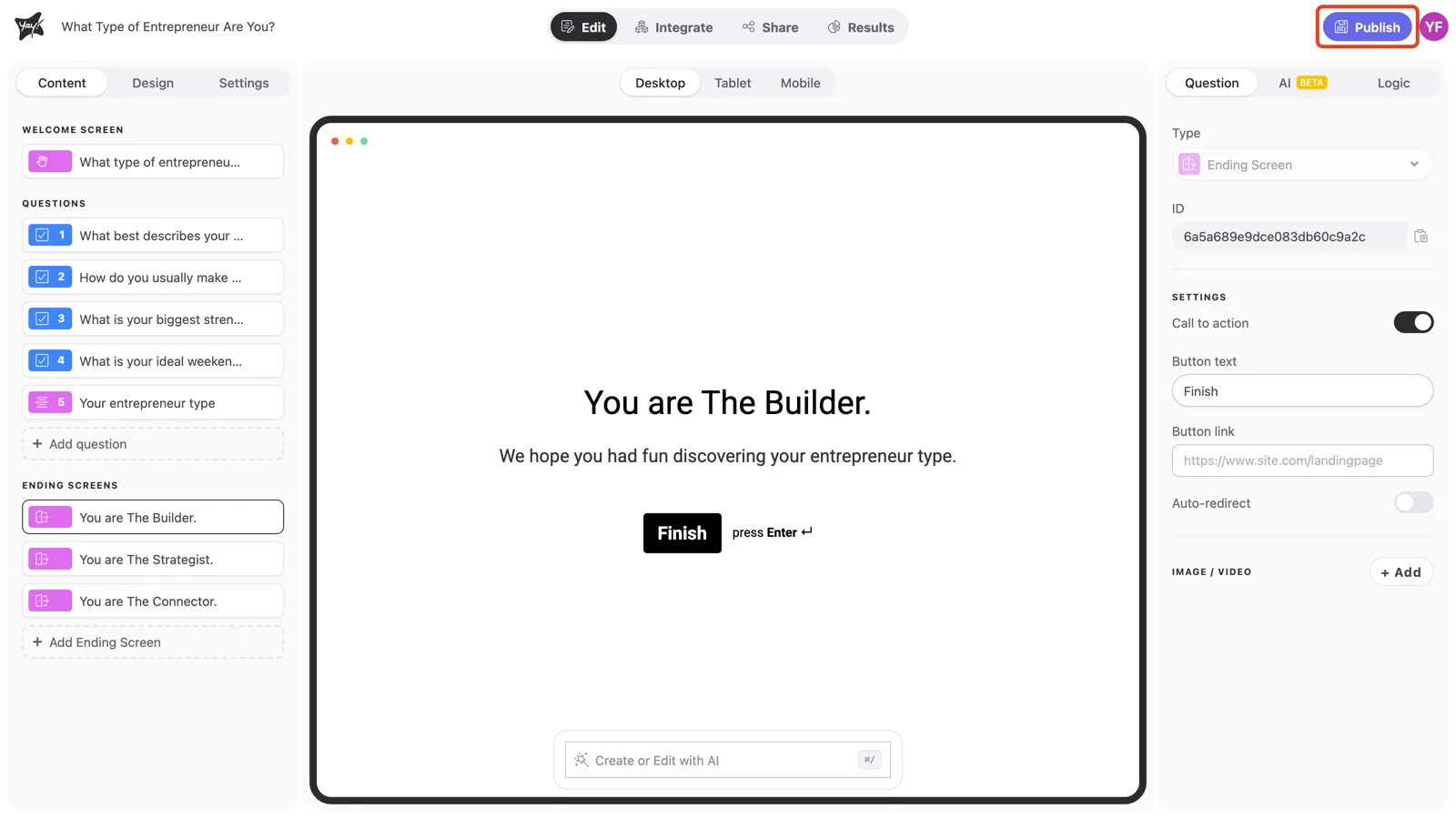
In the form editor, click Publish in the top-right corner. Your changes go live right away, so the shareable link and any embeds serve the updated form.
Conclusion
You learned where to publish a form from the editor, that publishing takes your edits live immediately, and how to discard edits you decide not to keep.
Related articles: