Closing a form stops it from accepting new responses without deleting the form or its data. This article shows how to close a form and reopen it later.
When to close a form
Close a form once you’ve collected what you need, or to end a registration, survey, or sign-up window. Existing responses stay intact; only new submissions are blocked.
Close the form
In the form editor, open the Settings tab. Under Access and schedule, turn on Close form to new responses, then click Publish changes to apply it.
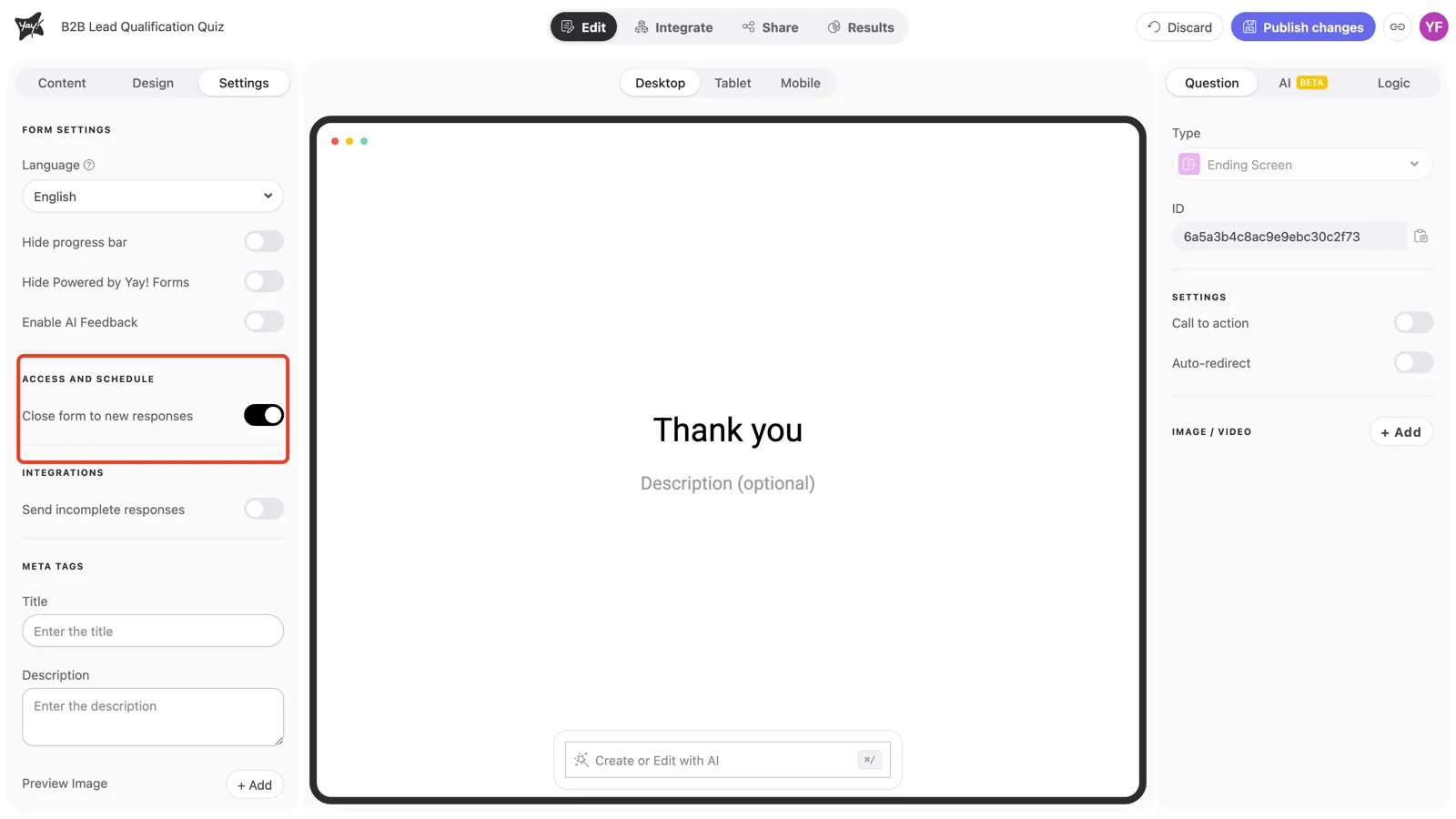
Once published, the form stops accepting submissions and visitors can no longer send new responses.
Reopen the form
Turn the same toggle off and publish again to start accepting responses.
Conclusion
You learned how to close a form to new responses from the Settings tab, that you publish the change to apply it, that existing responses are kept, and how to reopen it.
Related articles: