This article shows the two ways to create a form in Yay! Forms: building it from scratch or letting Yay! AI generate it for you. Both start from the same button in your workspace.
Start a new form
- Sign in to your account.
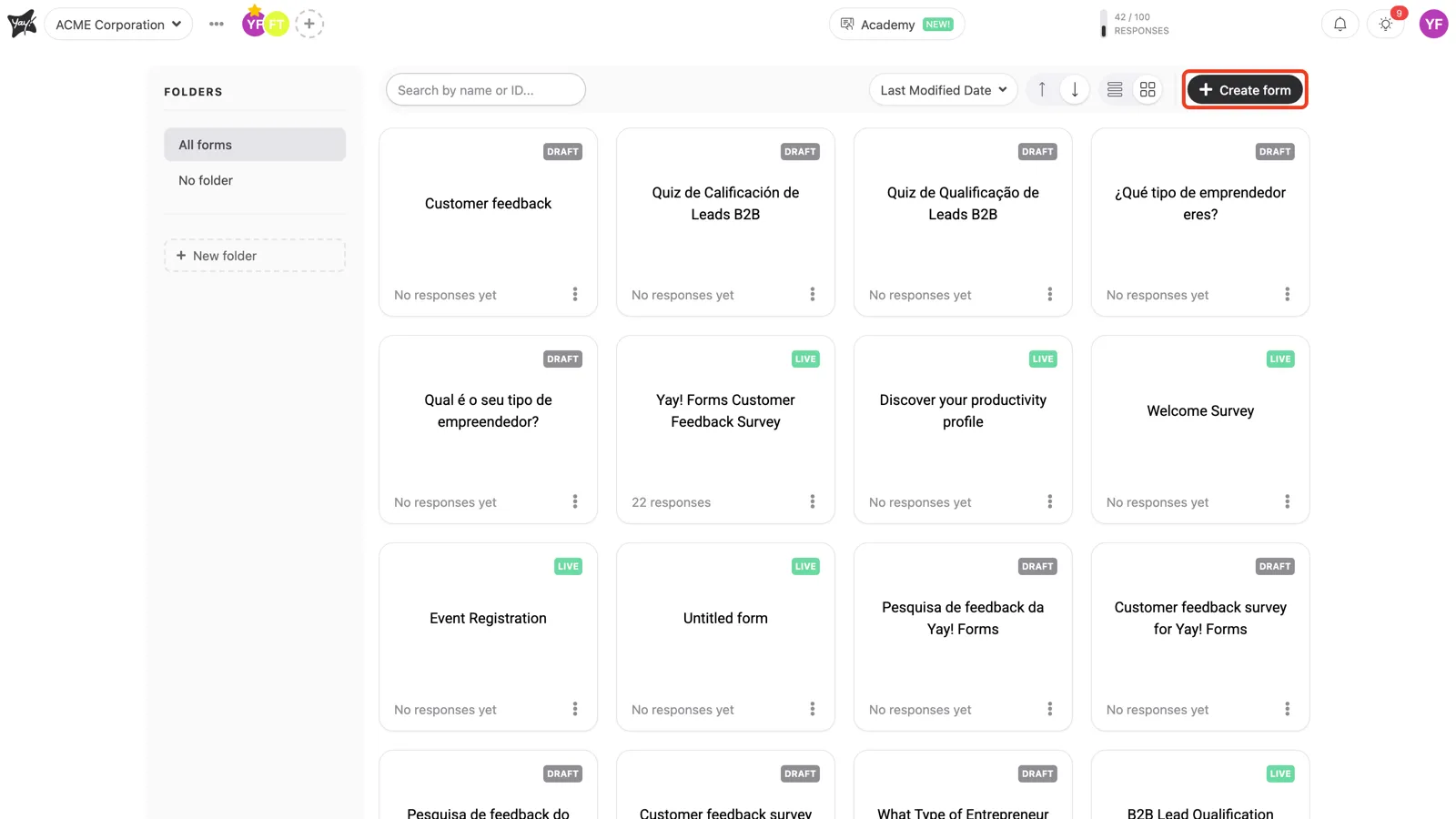
- Click the + Create form button in the top-right corner of your workspace.
- The Create a form… dialog opens with two options: Automagically by AI, to have Yay! AI generate the form for you, and From scratch, to build it yourself.
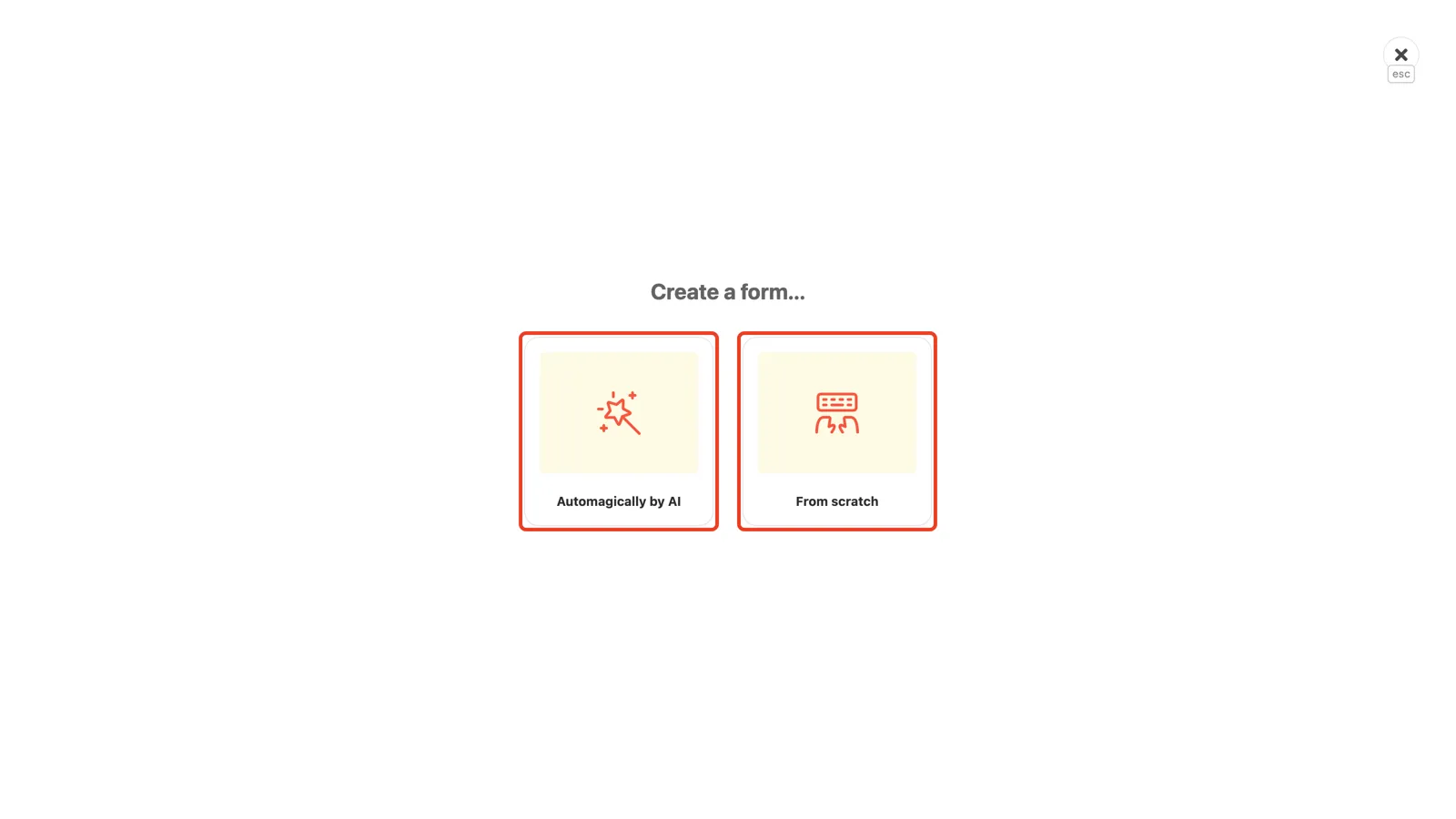
Go with From scratch when you already know the questions you want to ask and prefer to set everything up your way. Choose Automagically by AI when you have just an idea and want the AI to create the form from it, or when your questions already live in a text document and you want the form recreated without building it question by question. Either way, you adjust whatever you need afterwards.
Create a form from scratch
- Choose From scratch.
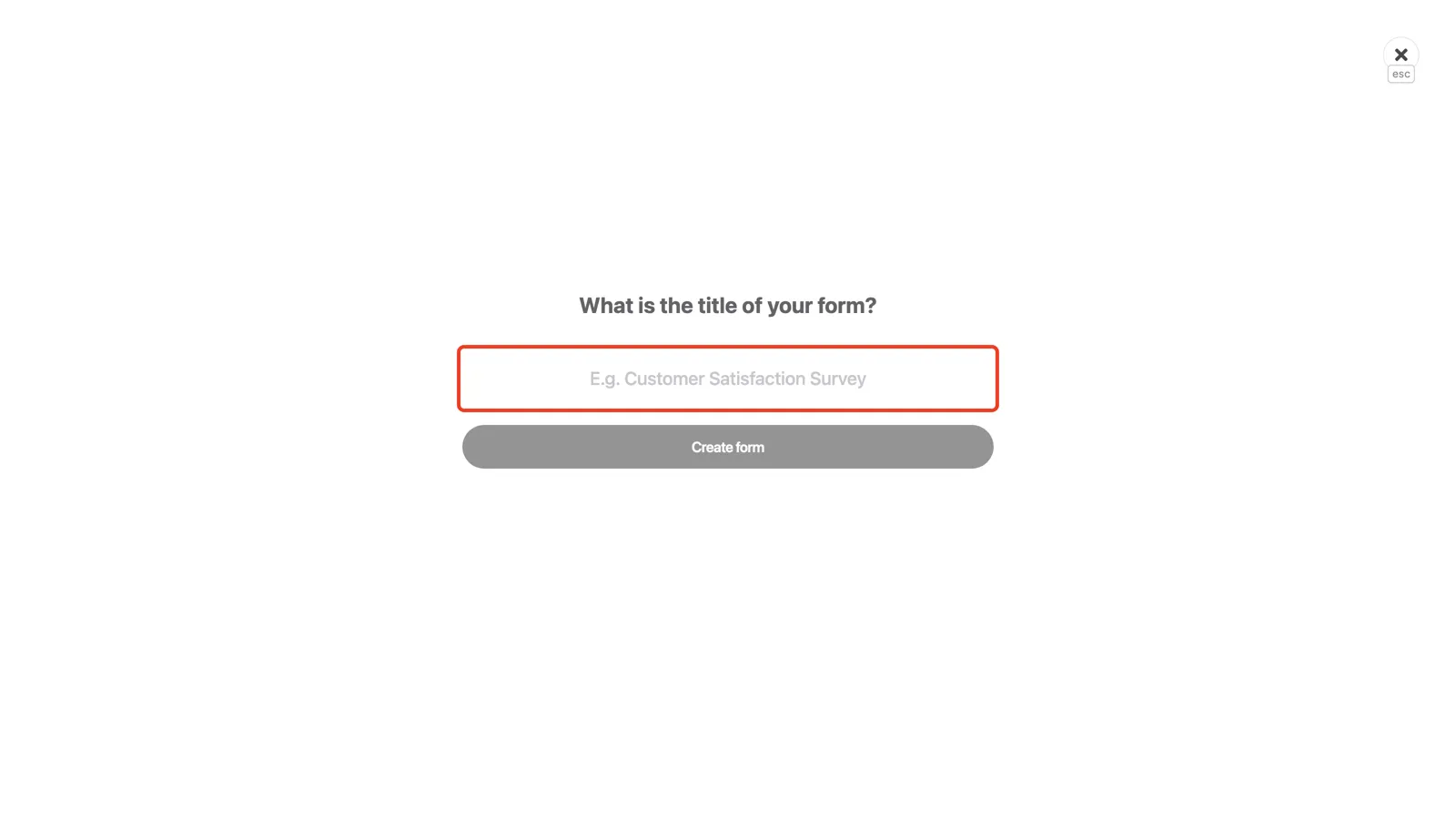
- Type a name for your form, for example “Customer feedback”, and click Create form.
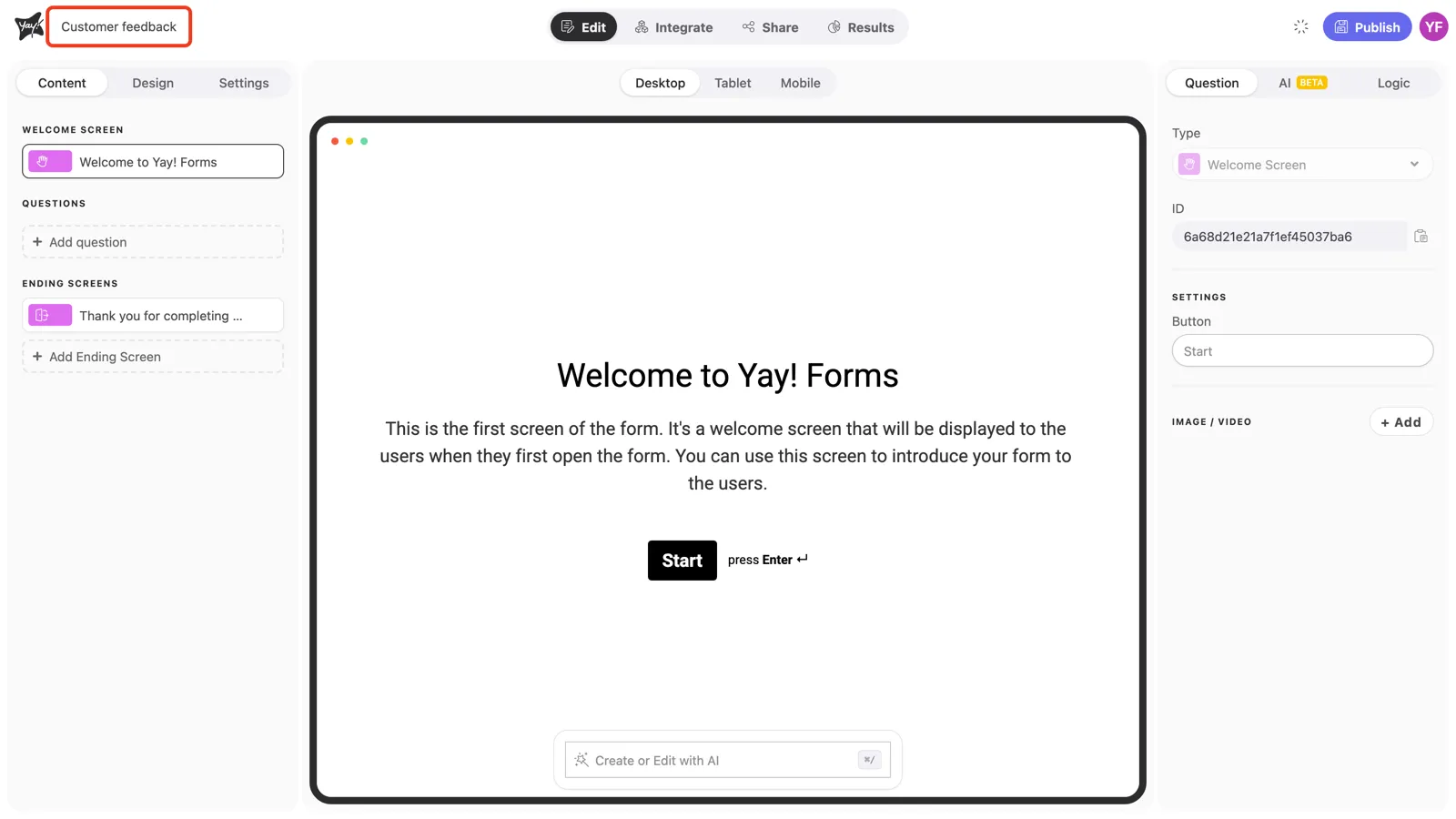
- The editor opens with your new form ready to customize. To rename it later, click the form name in the top-left corner of the editor and start typing.
Create a form with AI
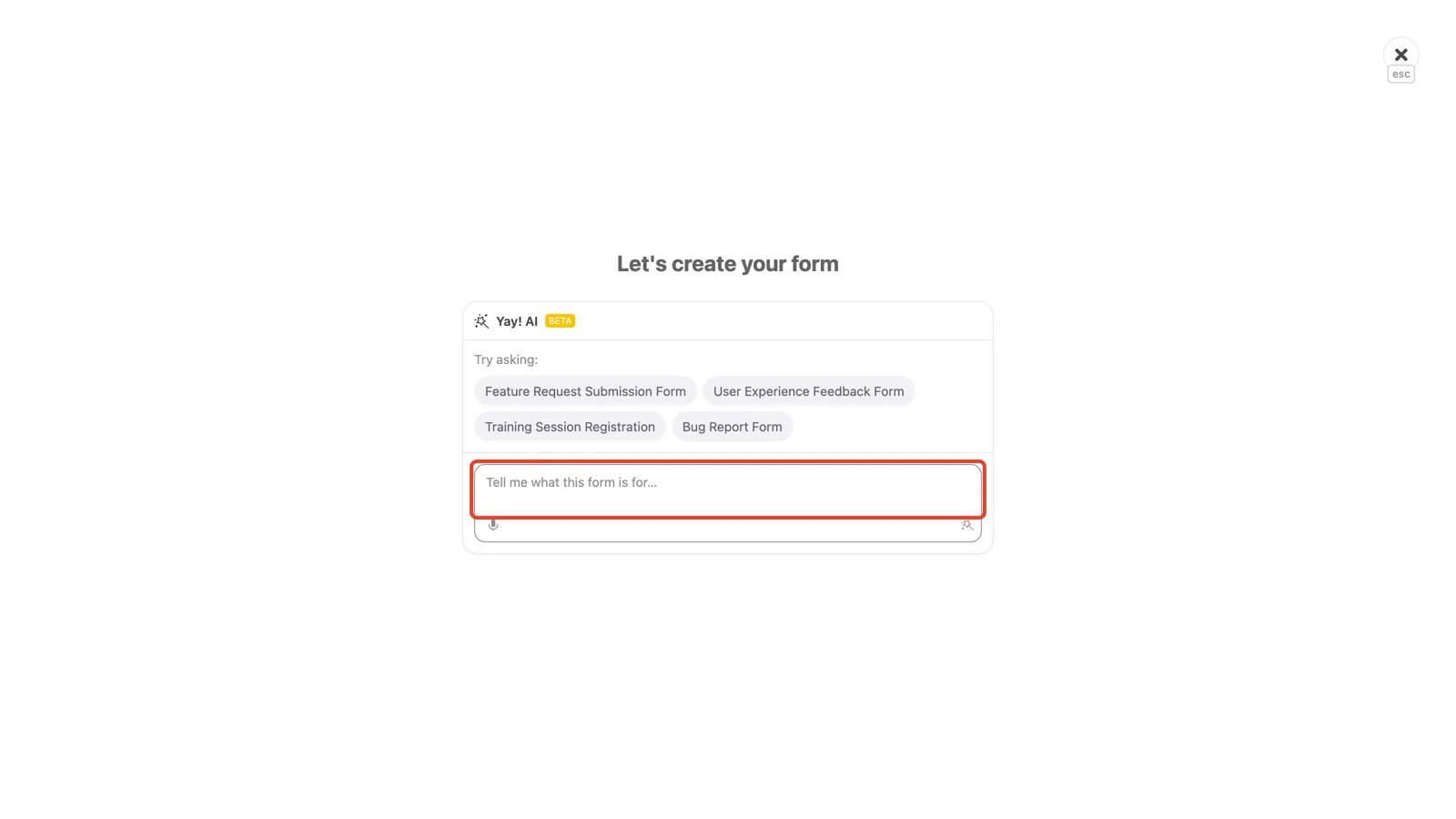
- Back in the creation dialog, choose Automagically by AI.
- In the Tell me what this form is for… field, describe your idea or paste the questions you already have (or pick one of the suggestions). Send it with the wand icon in the corner of the field, and Yay! AI generates the complete form for you to adjust in the editor.
Next steps
Now you can customize the welcome and ending page, add questions, customize the design, and publish your form.
Conclusion
You learned how to start a new form from your workspace, choosing between building it from scratch and generating it with Yay! AI, and how to name it so it’s ready for customization and publishing.