Yay! Forms can send account notifications through more than one channel. This article shows where to turn each one on or off, so you get alerts where you’ll see them.
Open your profile
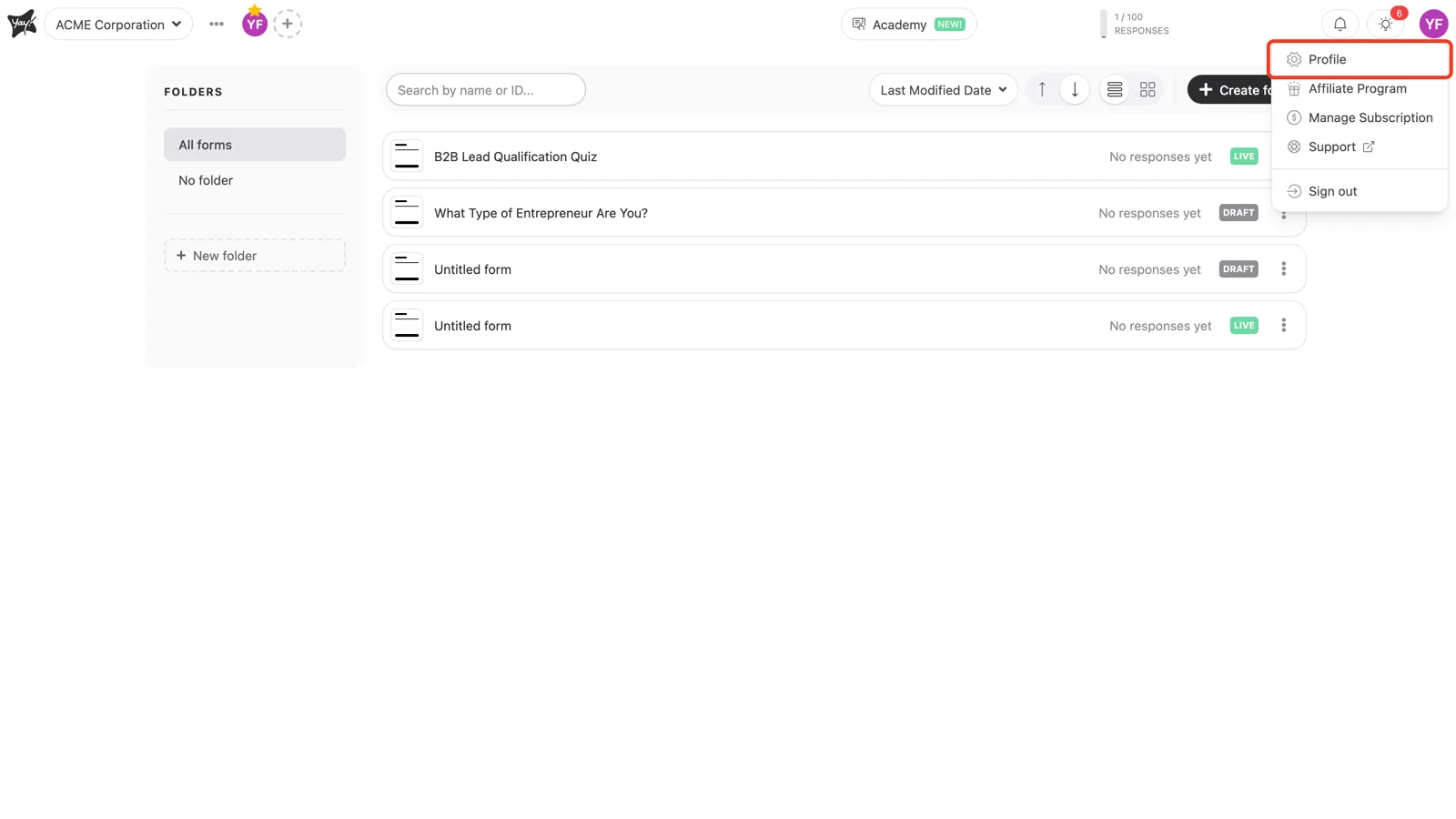
In the top-right corner, click your avatar and choose Profile.
Choose your notification channels
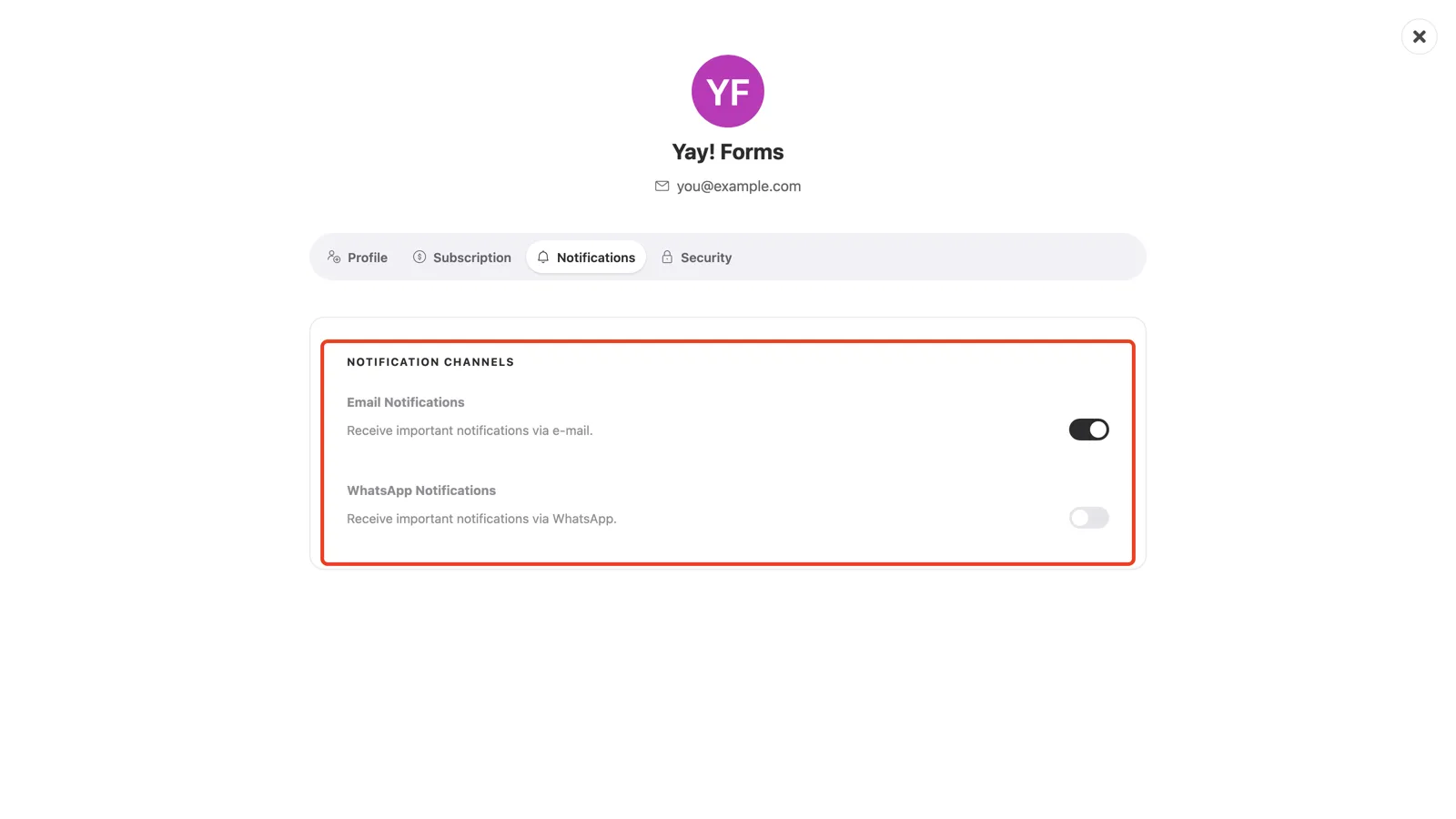
Open the Notifications tab. Under Notification Channels there is one switch per channel:
- Email Notifications: important notifications sent to your account email.
- WhatsApp Notifications: the same notifications sent to your WhatsApp number.
Toggle each channel on or off. Your choice saves on the spot.
Conclusion
You now know where to manage notification channels in Yay! Forms and how to enable or disable email and WhatsApp alerts for your account.
Related articles: